FireCut
A UX redesign of an AI editing plugin for Premiere Pro, turning a flat grid of 12 tools into one clear flow, starting from 100 cancellation responses.
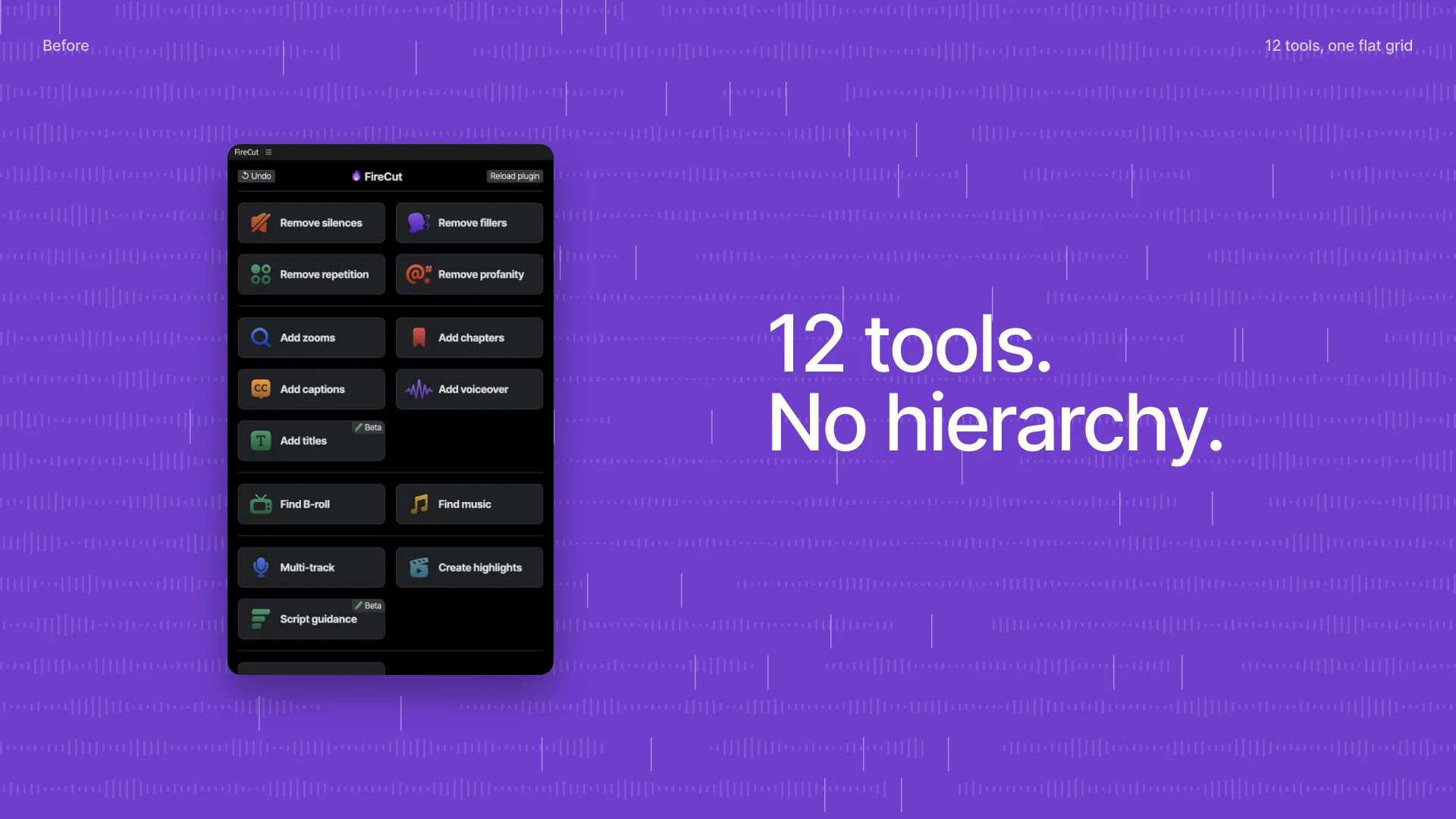
12 tools, no hierarchy
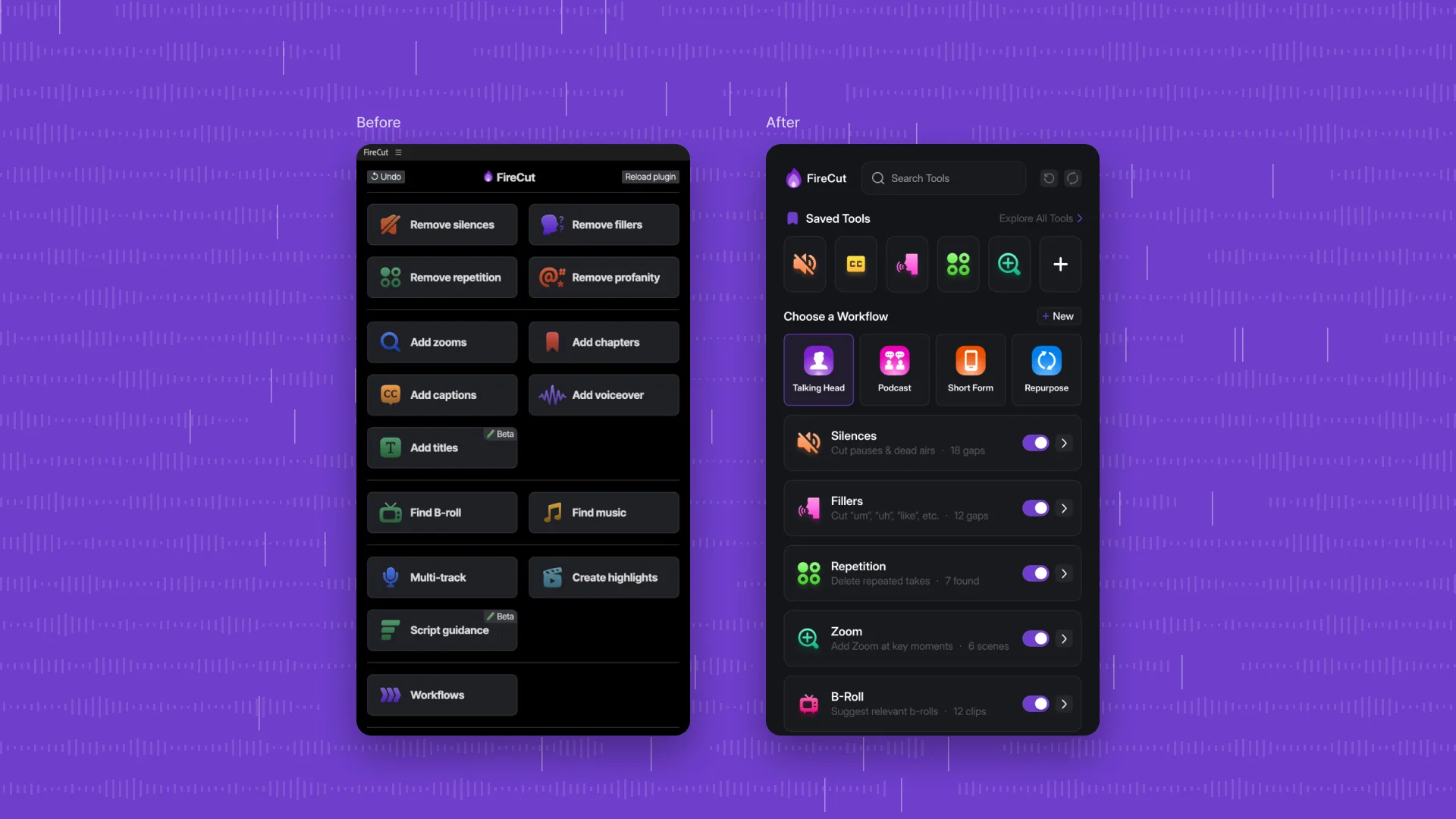
FireCut is an AI editing plugin for Premiere Pro with 12 tools, from removing silences to generating captions. Its panel had grown into one flat grid of buttons, and people were cancelling because they could not find their way around.
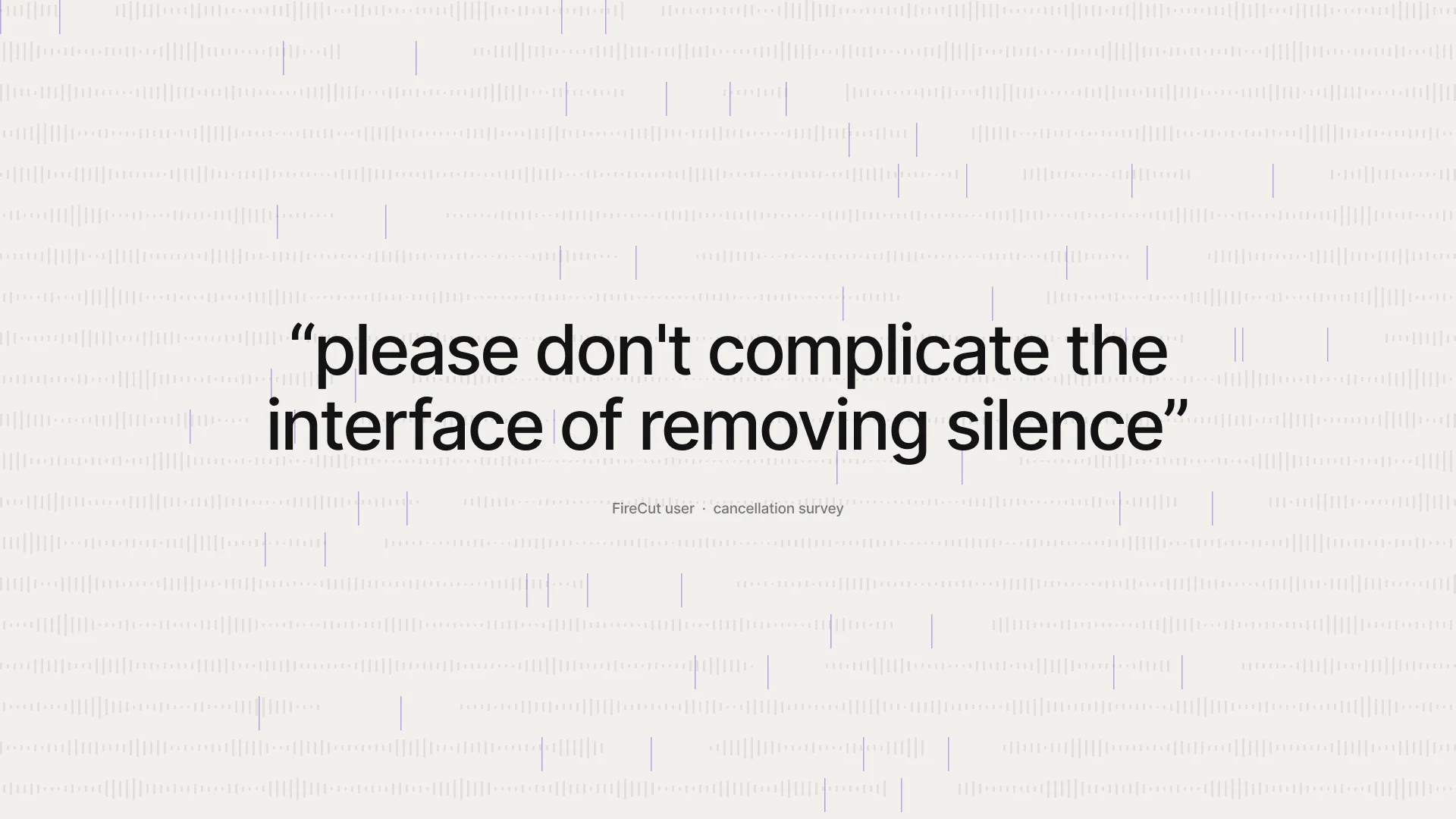
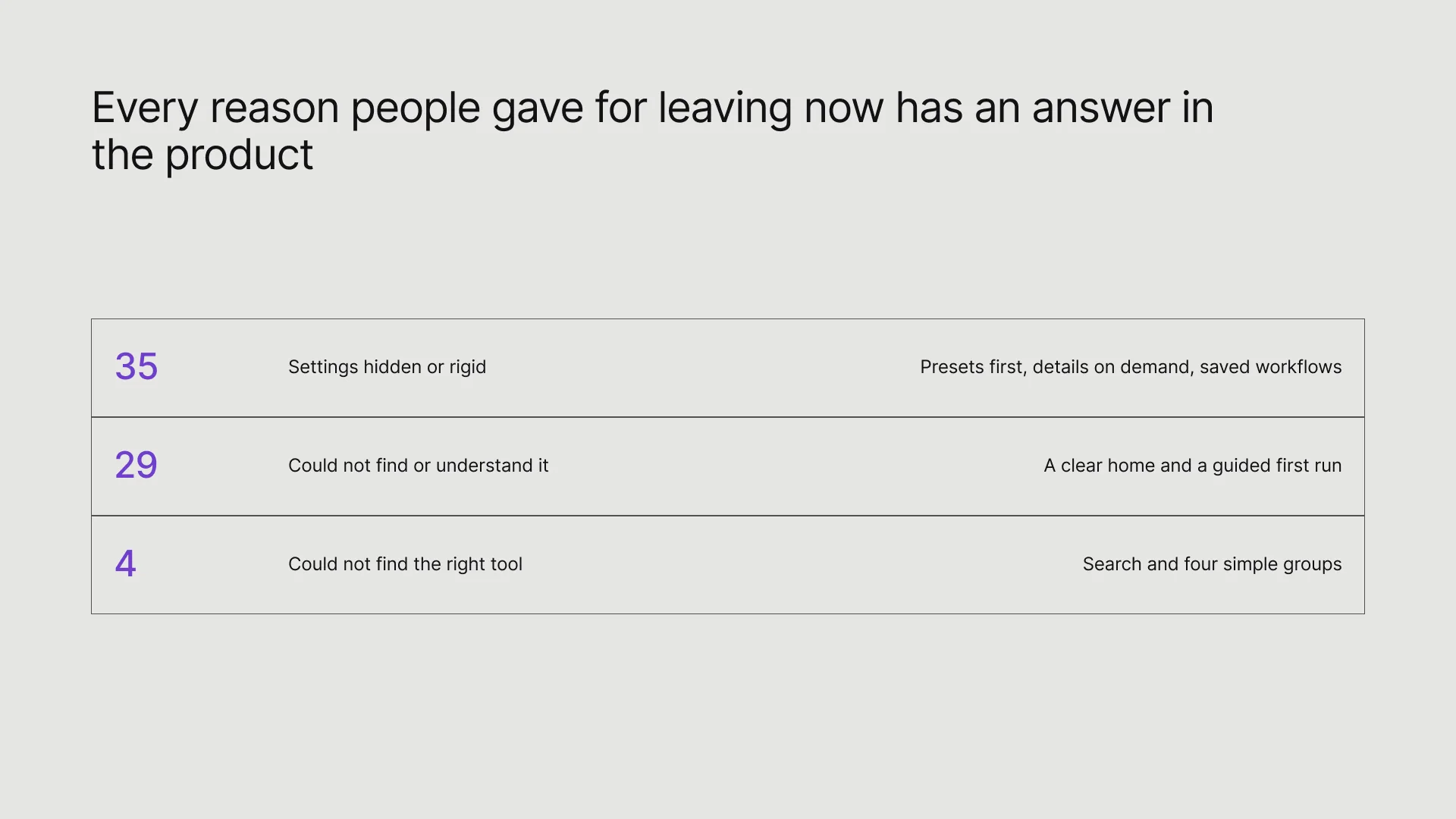
We started from 100 cancellation responses and read and tagged them one by one. 68 of them came down to design problems: workflow friction (35), onboarding confusion (29) and discoverability (4). One line summed it up: "please don't complicate the interface of removing silence".
Start simple, reveal depth only when someone asks for it
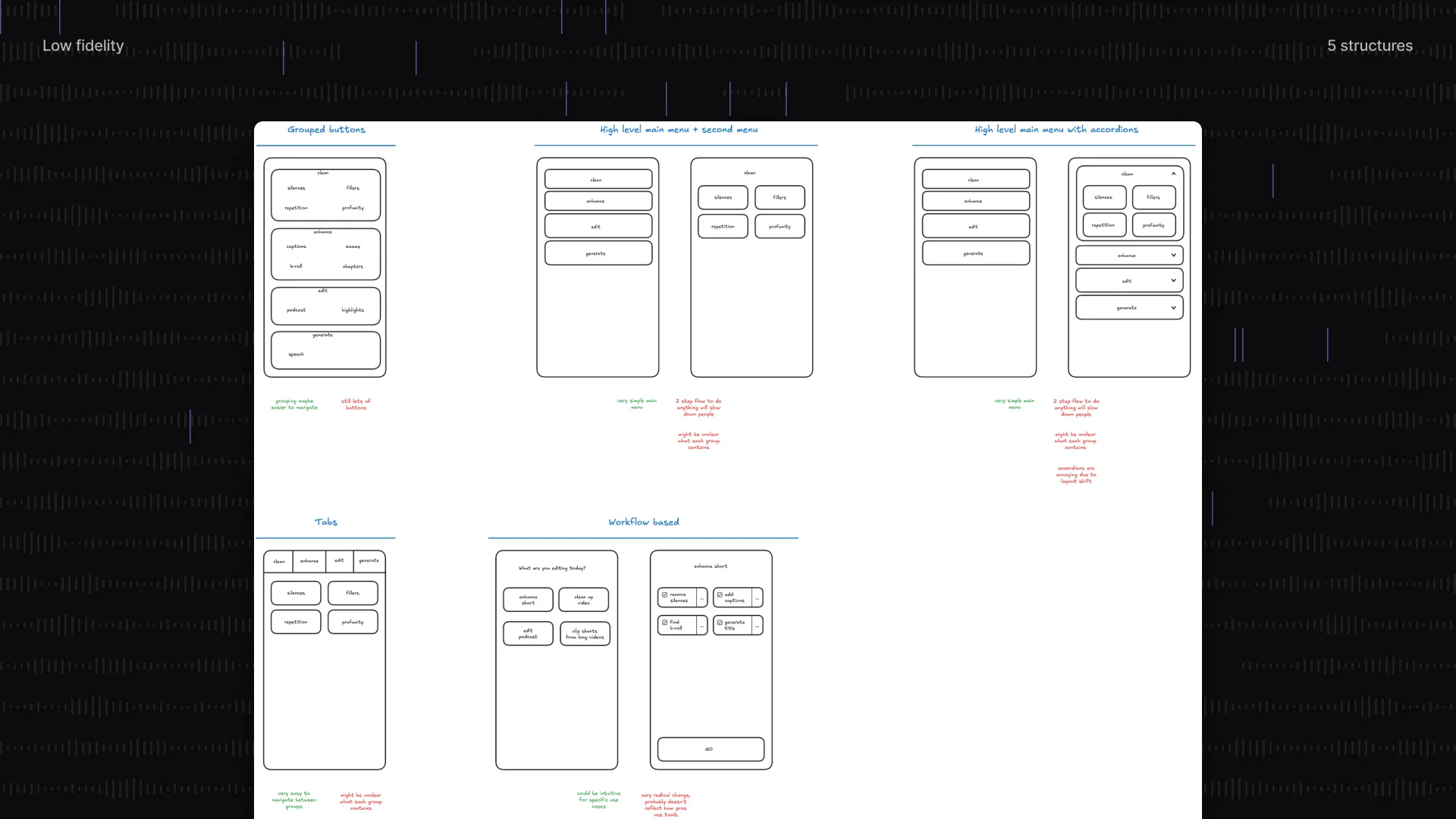
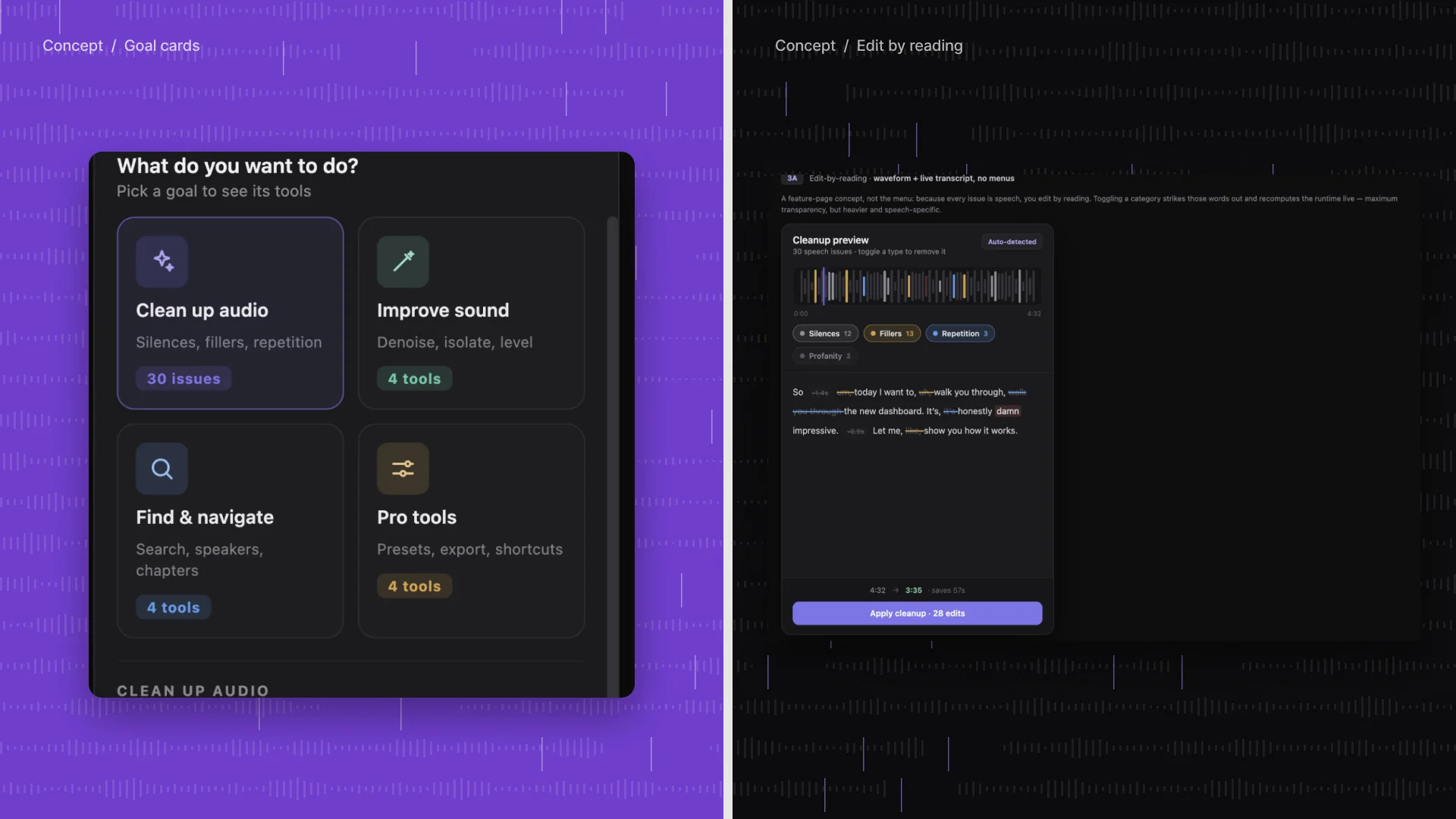
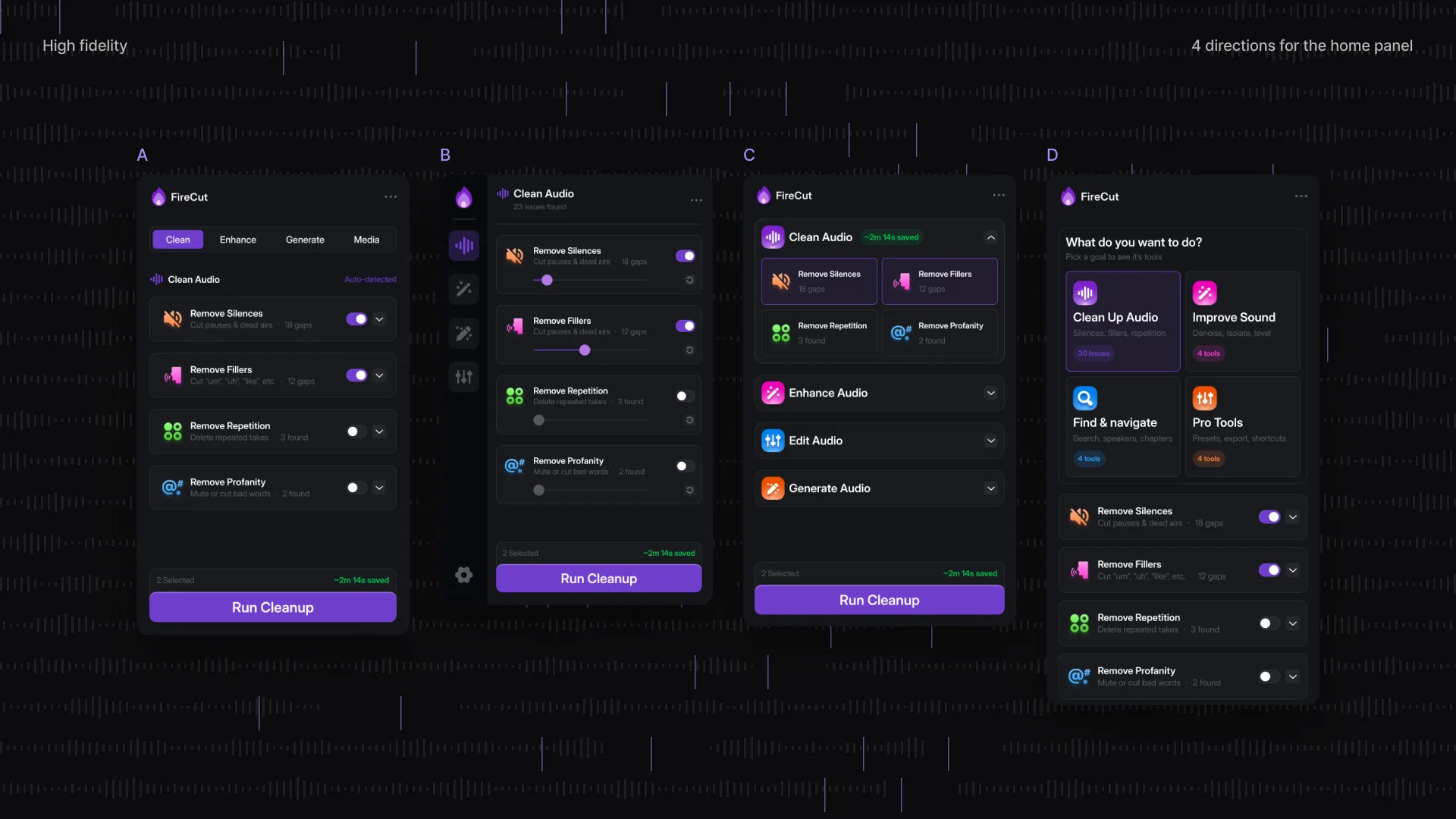
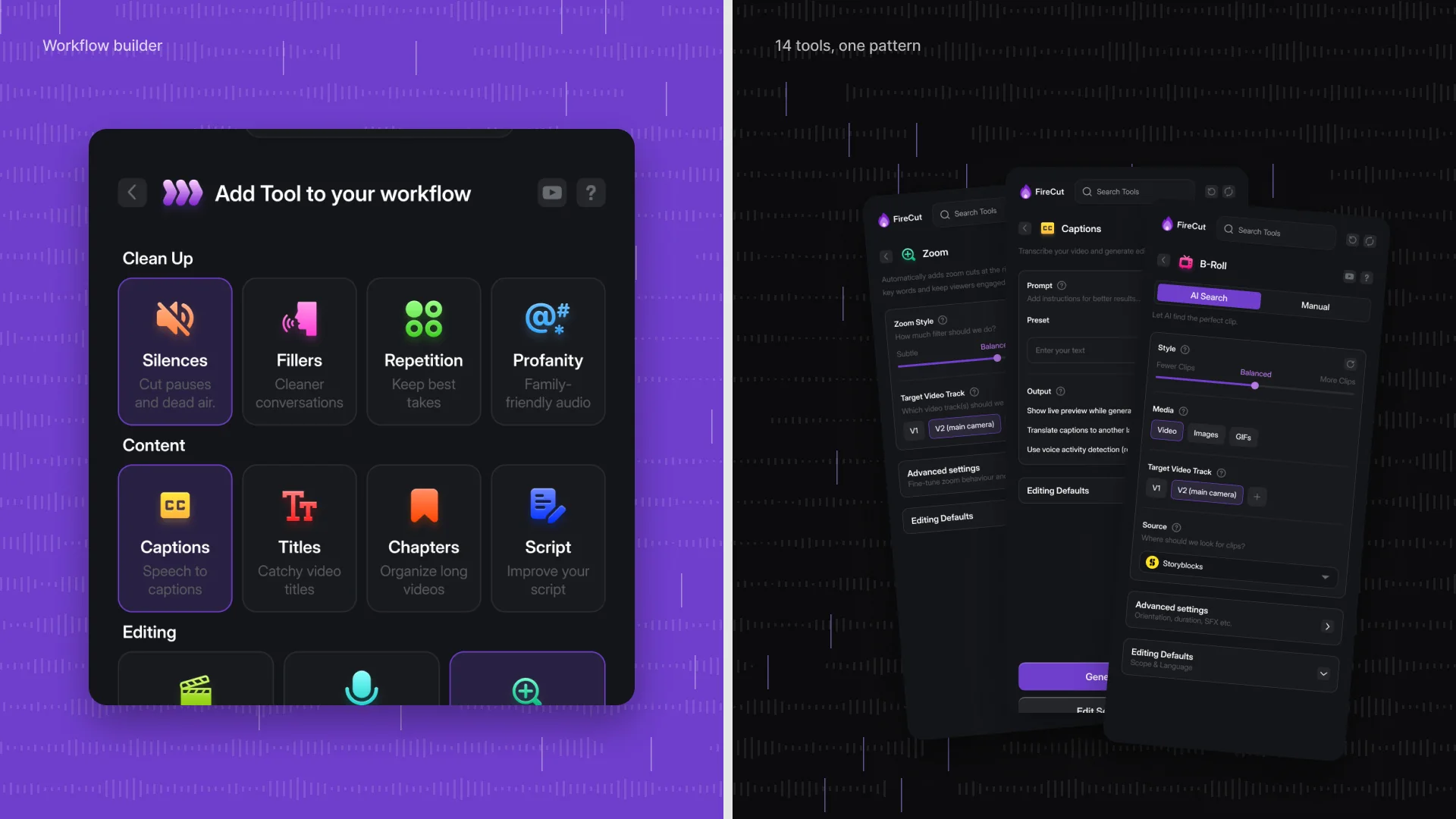
We audited every screen, sketched five structures in low fidelity, explored nine concepts (from goal cards to editing by reading the transcript) and took four directions for the home panel to high fidelity. The tools were regrouped into four simple groups: AI processor, generator, search and create.
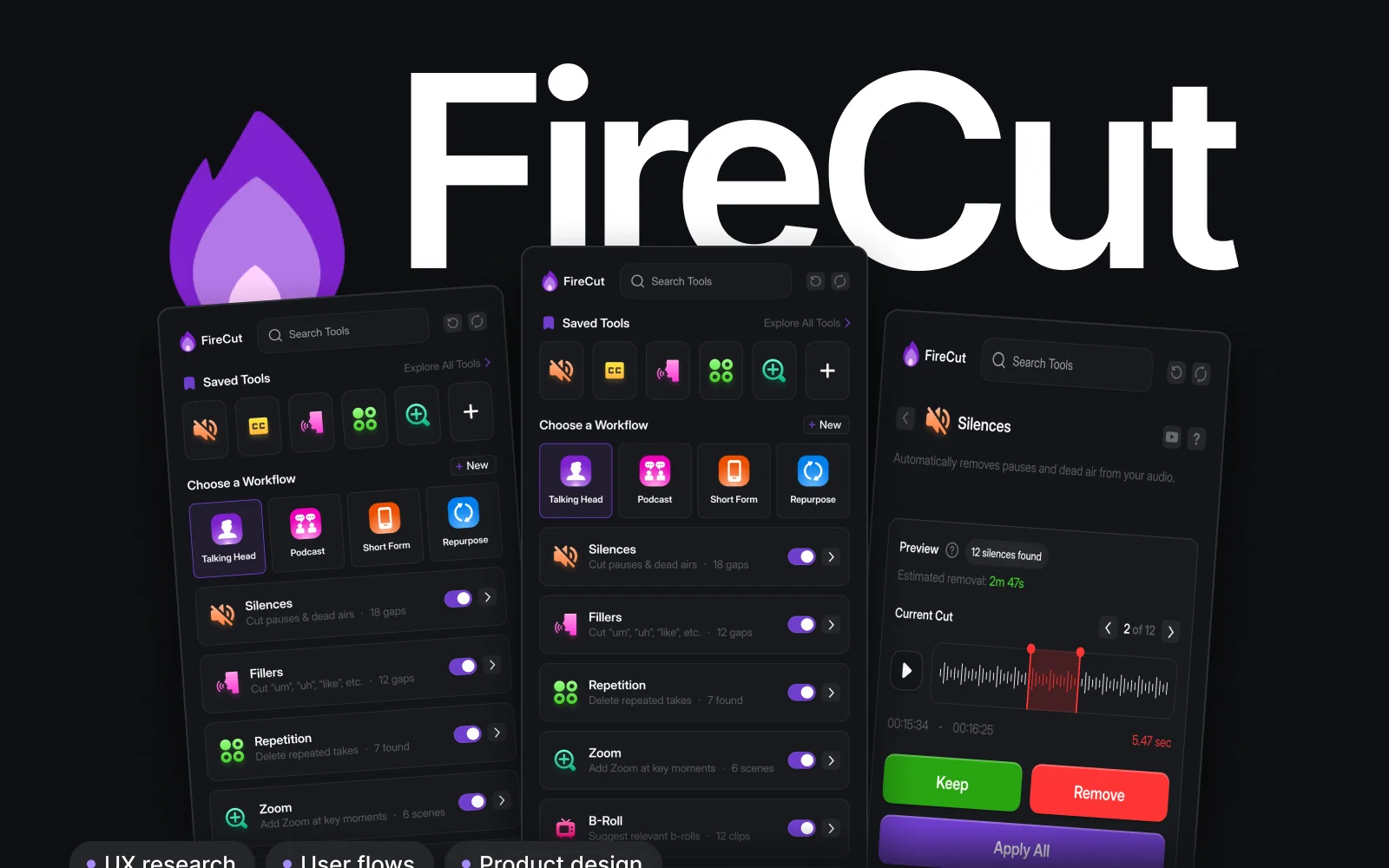
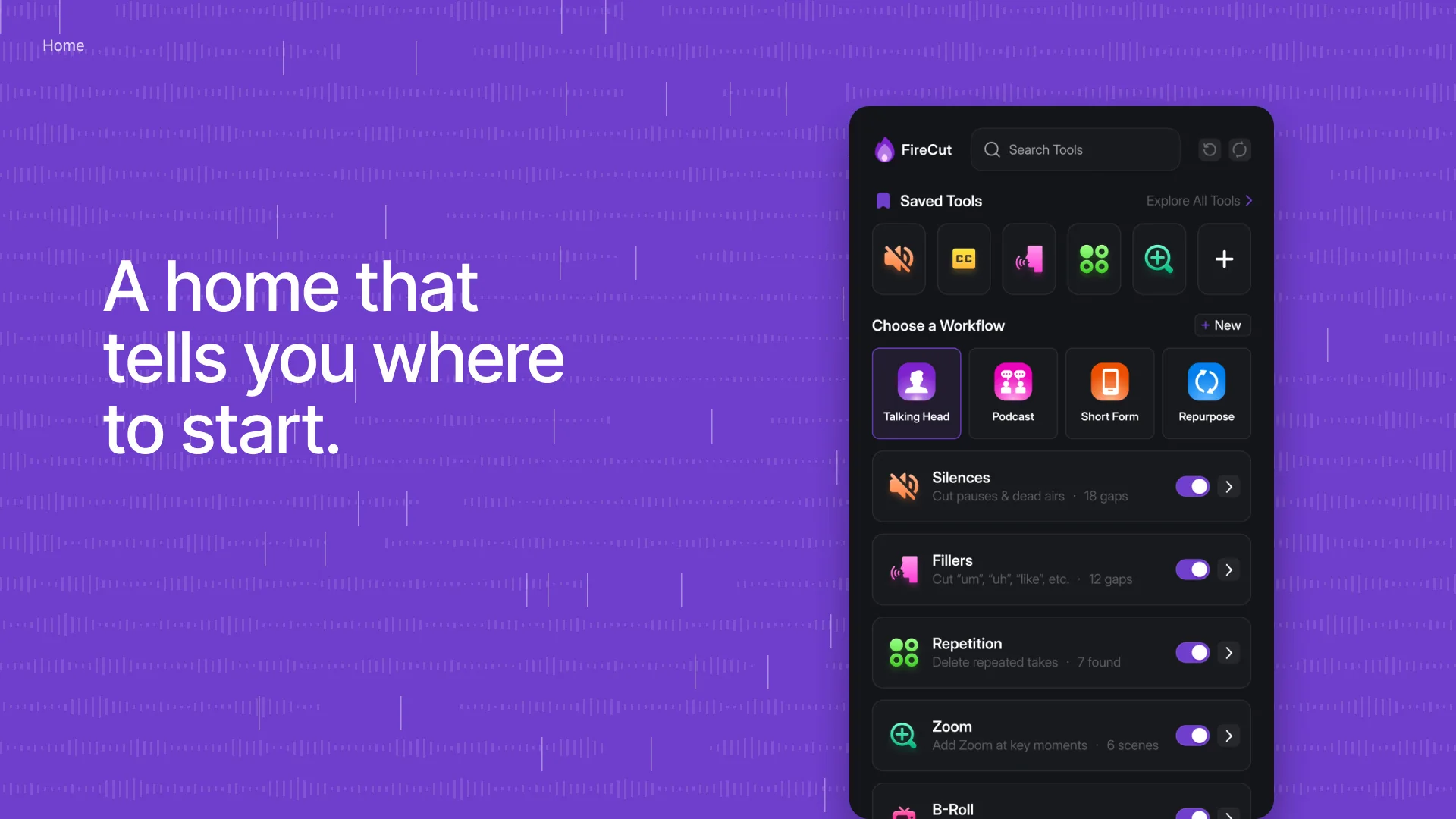
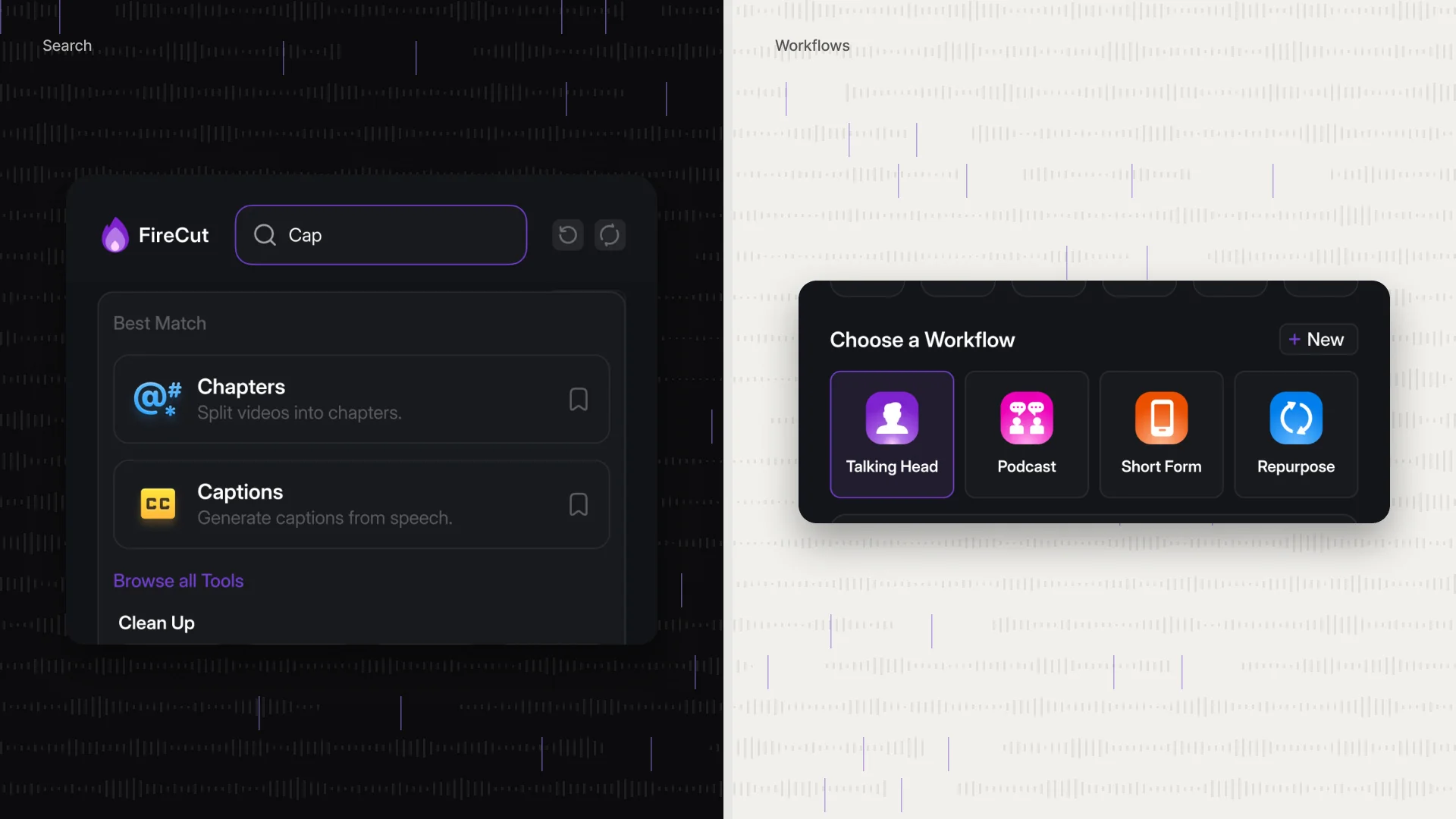
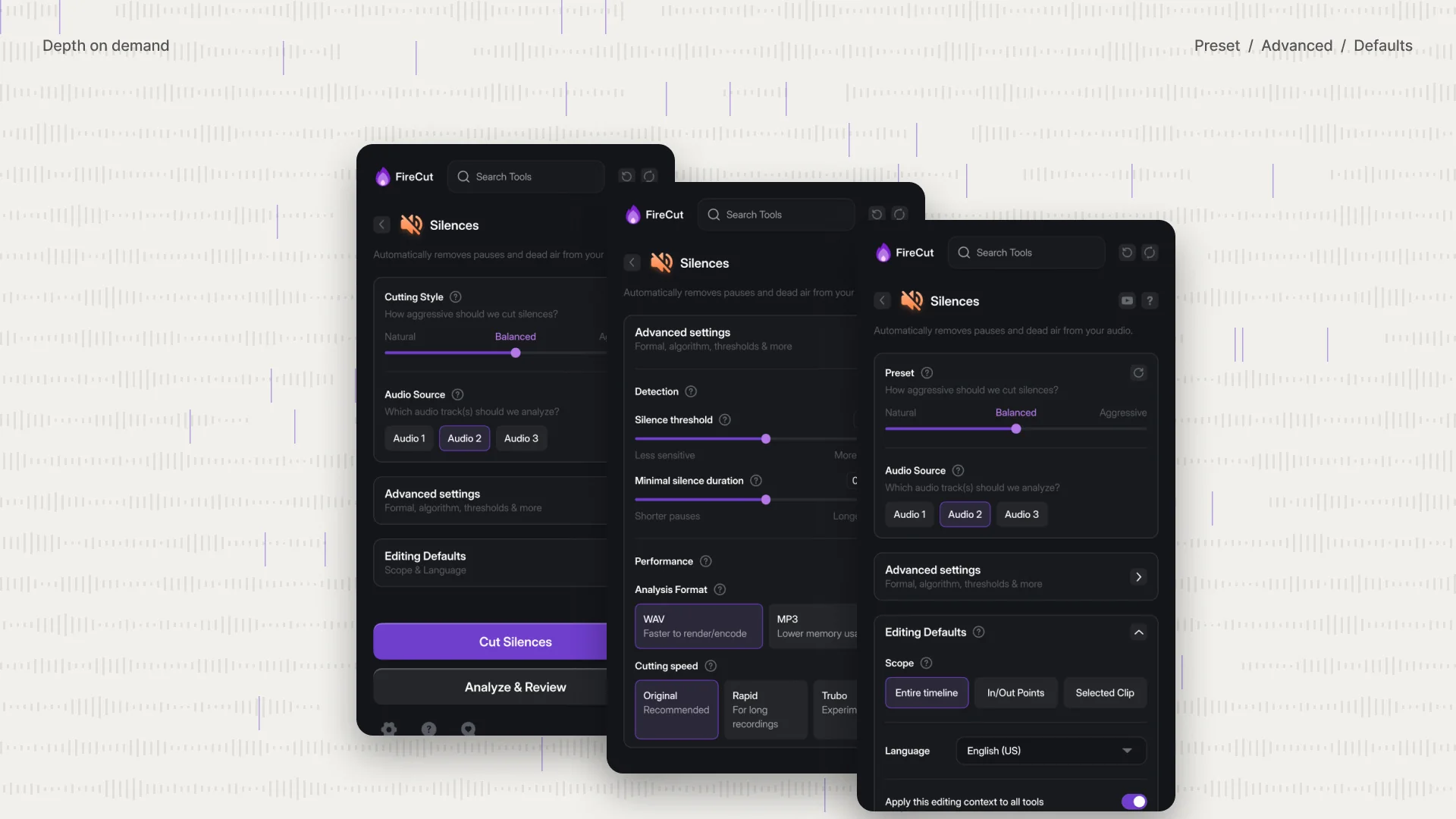
Every tool now follows the same flow: pick a tool, choose a preset, analyze, review each cut, apply. Nothing touches the timeline before you have reviewed it. A new home tells you where to start, with saved tools and ready workflows for talking heads, podcasts, short form and repurposing, plus search for everything else. Presets come first (natural, balanced or aggressive) and the advanced settings stay one step away.
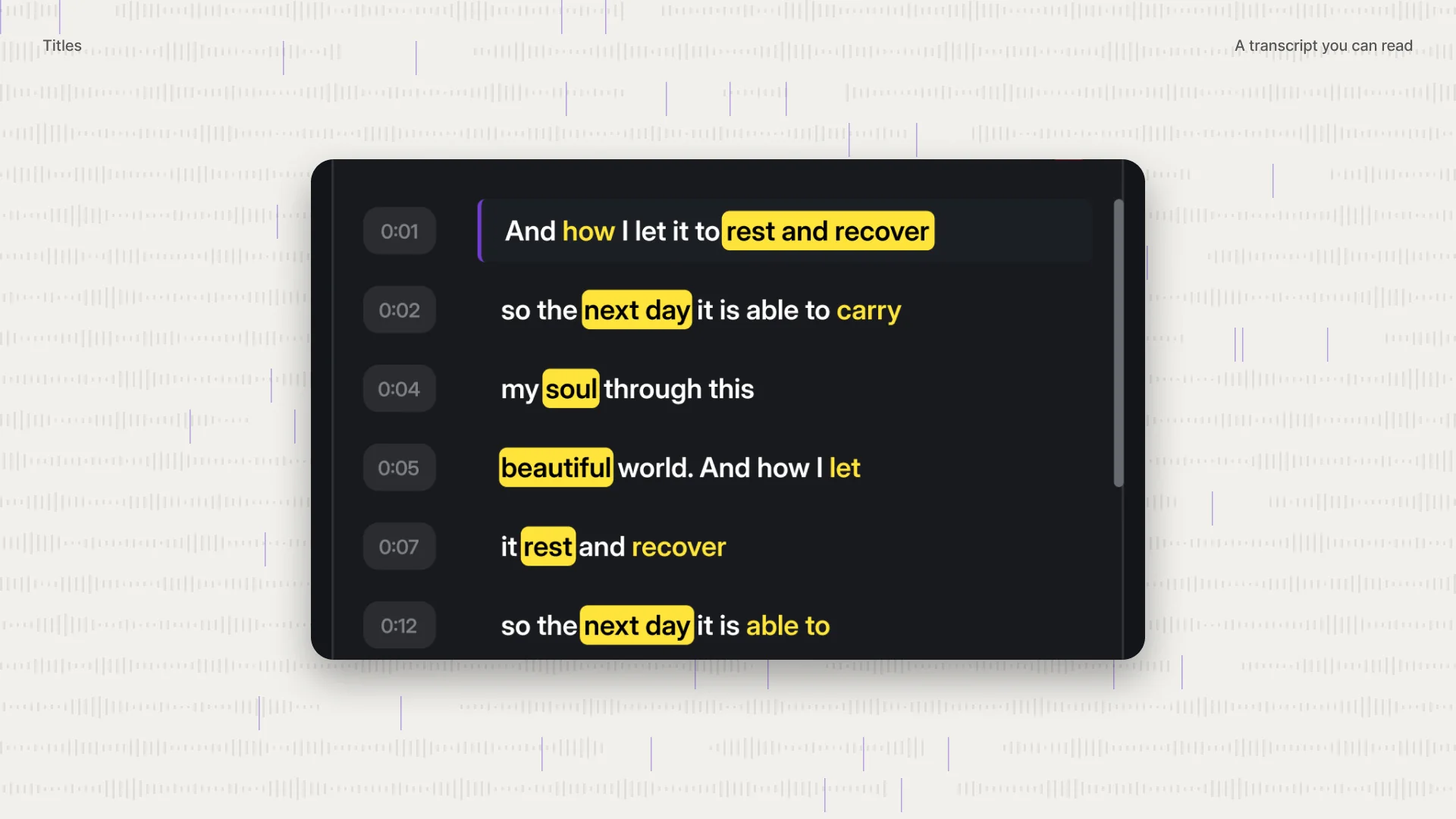
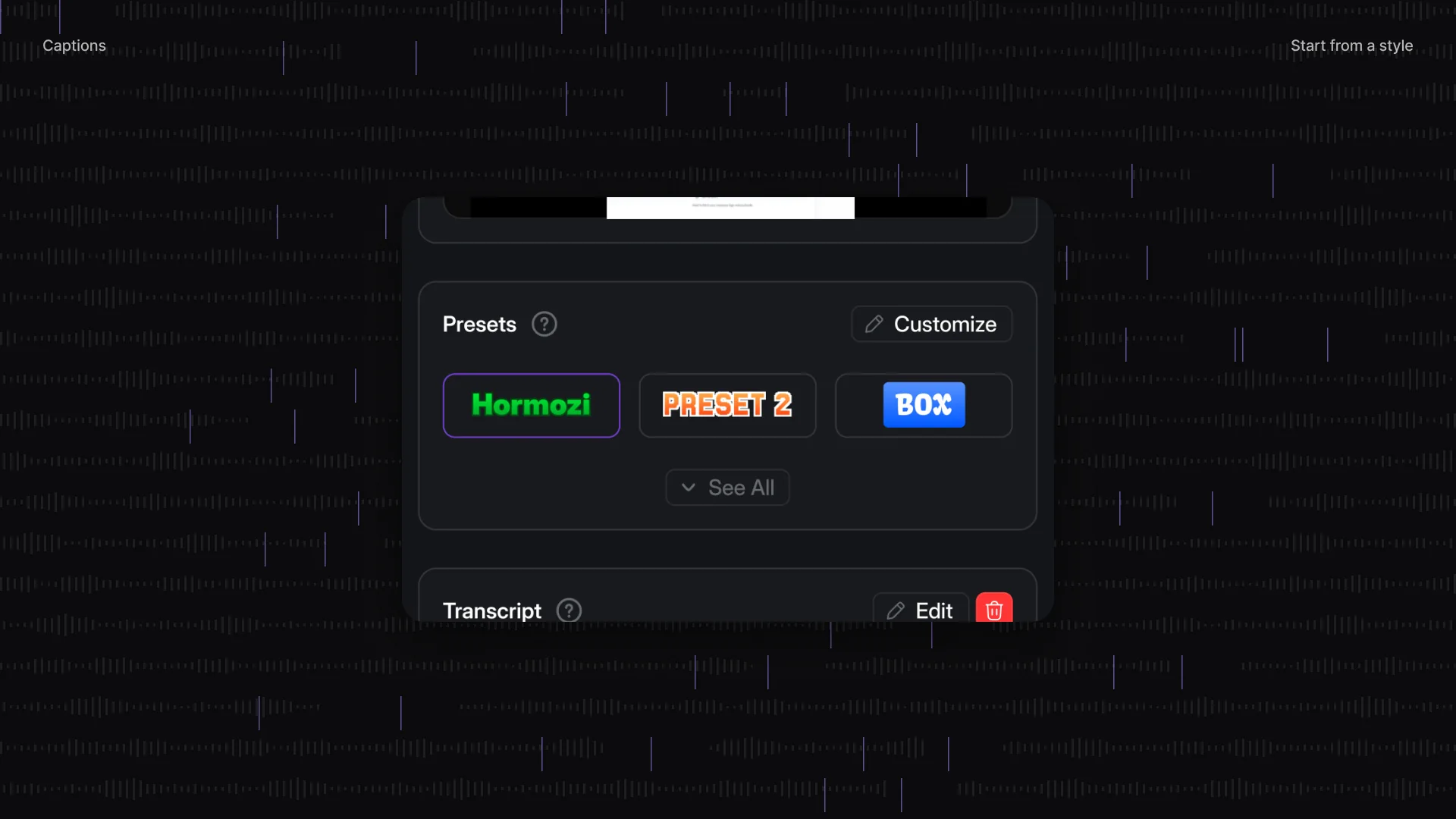
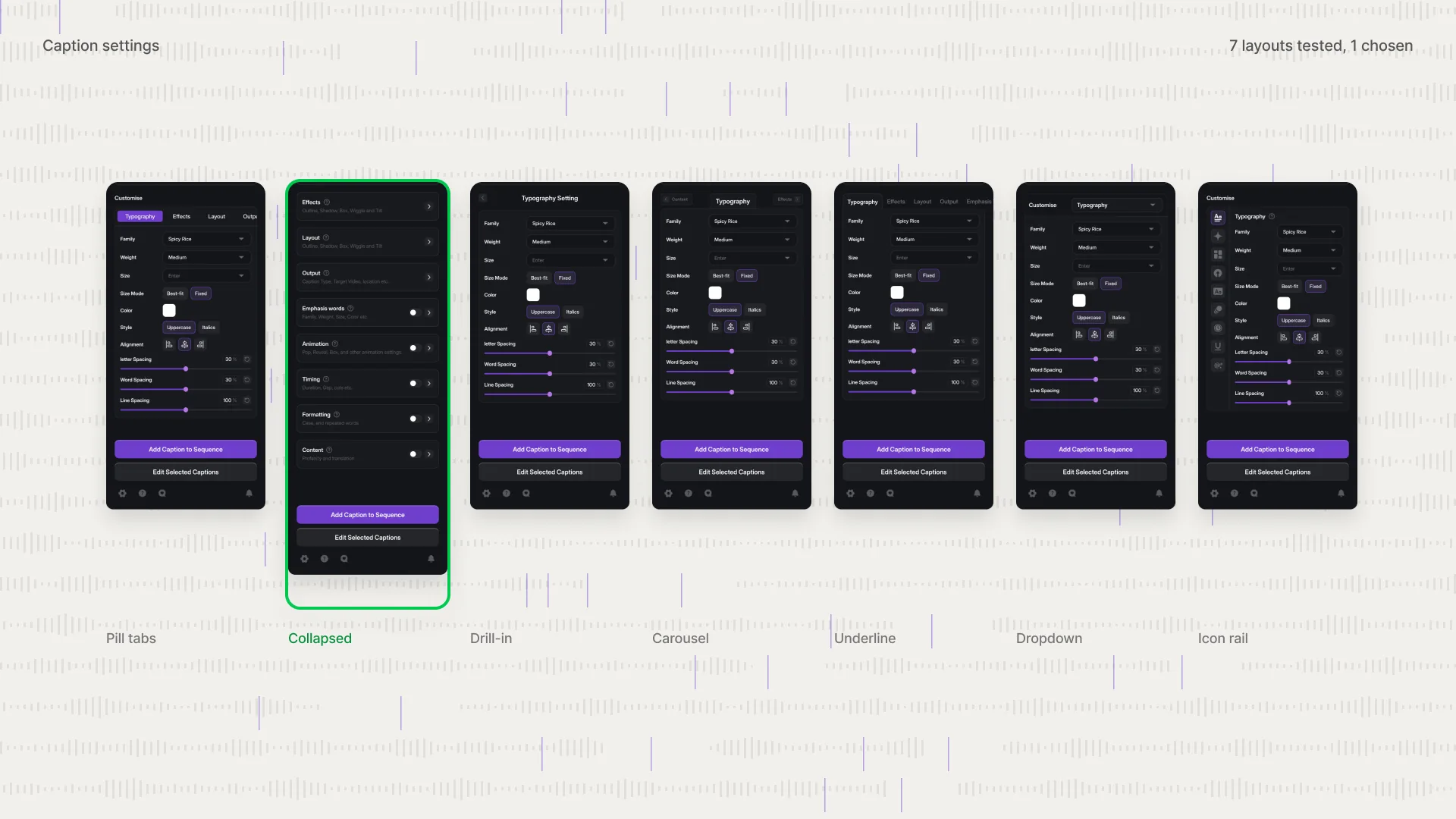
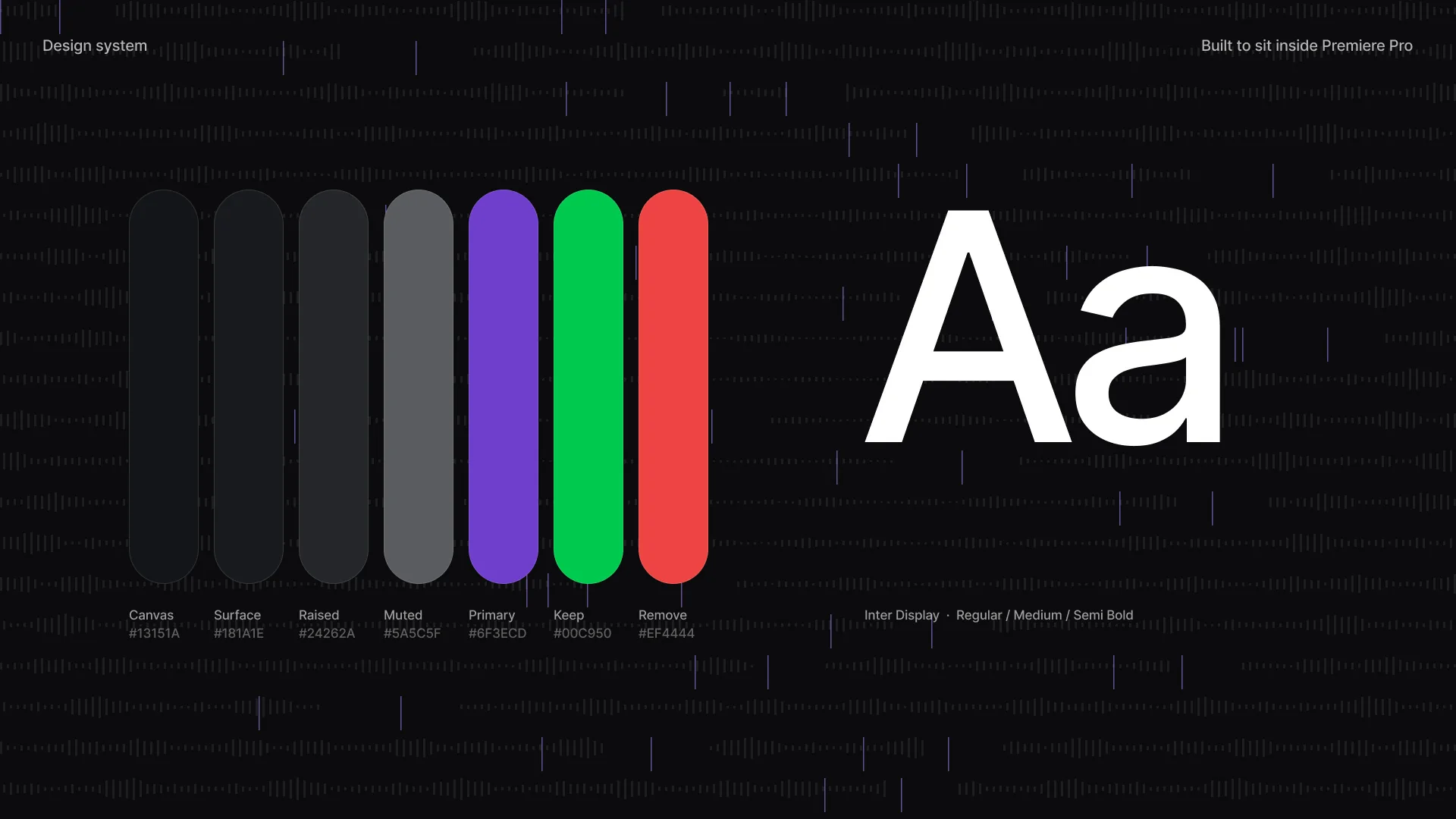
Captions, titles and the workflow builder use the same pattern, with seven caption layouts tested before one was chosen. A compact design system keeps the panel calm inside Premiere Pro. In the end, every reason people gave for leaving has an answer in the product: presets first and saved workflows for rigid settings, a clear home and a guided first run for confusion, and search with four groups for finding the right tool.
From churn reasons to design decisions

Want results like this?
Book a free 30 minute strategy call with Dom, or get a free audit of your product first.