Why start with an audit
Most teams come to us with a solution in mind: a new dashboard, a fresh look, a rebuilt onboarding. Sometimes that is exactly right. Often the real problem is smaller and more specific, like one confusing step, one number nobody can find, or one empty screen that makes new users leave.
An audit finds those problems before anyone designs anything. It turns “the product feels clunky” into a short list of concrete issues, ordered by how much they cost you. Then the redesign, if you still need one, has a clear goal.
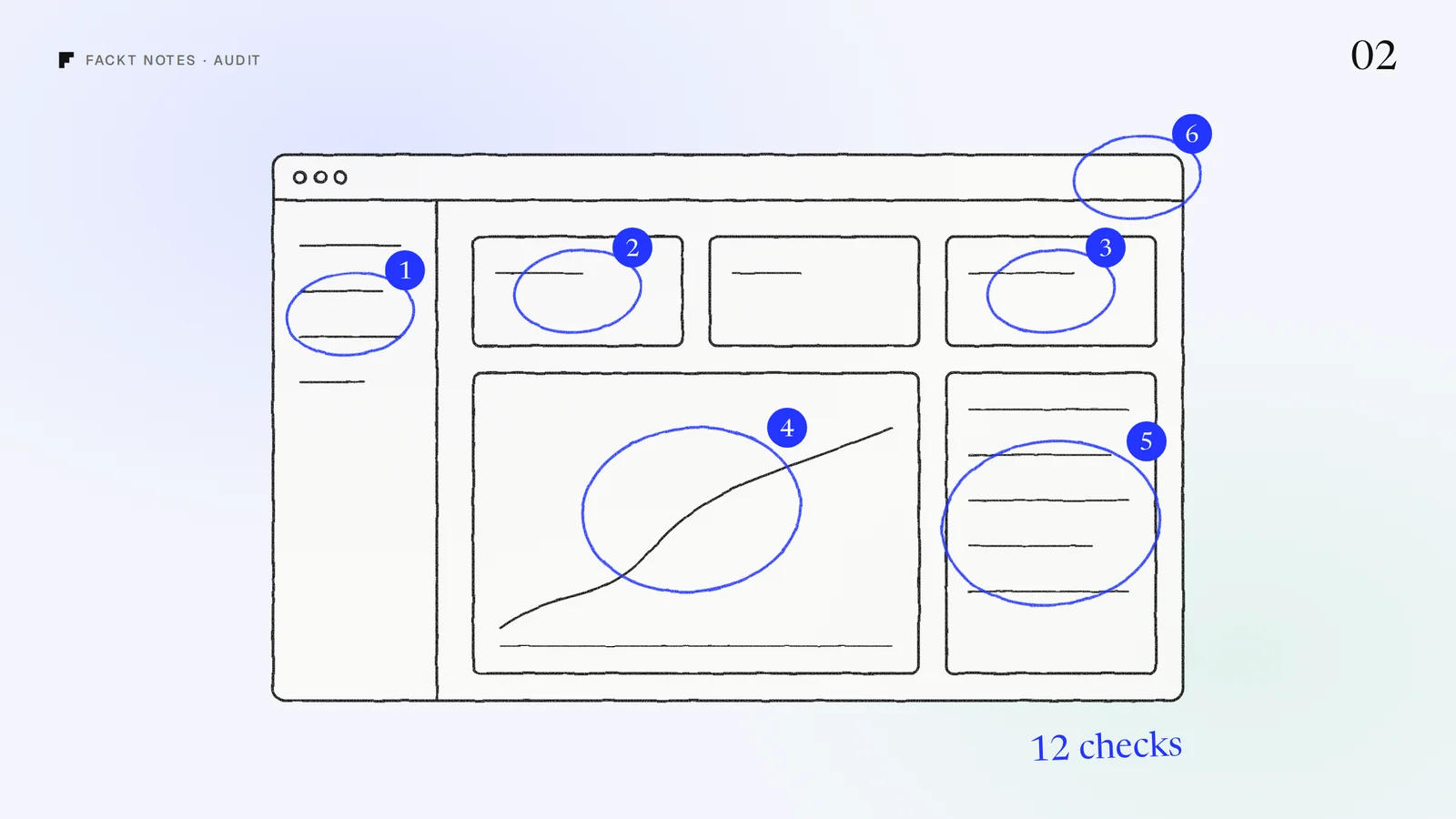
Here are the 12 things we look at first. You can run most of them yourself in an afternoon.
Before you start
Open the product the way a new user would: a fresh account, an empty workspace, no shortcuts. Then do the same with a real, busy account. Many problems only show up in one of the two.
Keep a simple note for each issue: where it happens, what goes wrong, and who it affects. A screenshot helps more than a paragraph.
The 12 checks
First impression
1. The five second test. Land on the main dashboard and look for five seconds. Can you tell what the product does, what state your account is in, and what to do next? If the answer is “a lot of charts”, the screen is showing data, not answers.
2. The empty state. A new account sees the dashboard before it has any data. Is that screen a wall of zeros and blank charts, or does it explain what will appear here and offer one clear first action? The empty state is often the first screen a trial user judges you on.
3. The first win. Count the steps from signup to the moment a user gets real value: their first report, first connected source, first sent campaign. Every step that is not needed for that moment can probably wait.
Finding things
4. Navigation that matches the job. Read the sidebar out loud. Does it describe what users come to do, or how your database is organised? Labels like “Entities” or “Resources” usually mean the second.
5. The most common task. Pick the one thing people do most often and count the clicks. In the Floxy dashboard, generating a proxy list took more clicks than a daily task should, so the new plan card puts it one click away.
6. Search and filters. Once a table has more than a page of rows, people need a way to narrow it down. Check that filters are easy to find, show what is active, and are easy to clear.
Reading the data
7. Hierarchy on the main screen. Is the most important number the most visible thing on the page? On many dashboards every card has the same size and weight, so nothing stands out and everything has to be read.
8. Numbers with context. A number alone does not say much. Is it good or bad? Up or down since last week? Close to a limit? Usage against a plan limit is the classic one: users who cannot see how much they have left start to worry about the bill.
9. Tables people can scan. Check column order, alignment and density. Numbers should be right aligned, the column people sort by most should come first, and status should be readable at a glance, not hidden in a tooltip.
Trust and recovery
10. Loading, error and success states. Trigger each one on purpose. Does a slow load show progress? Does an error say what happened and what to do next? Does a successful action confirm it worked? Missing states are where products feel unfinished.
11. Destructive actions. Delete, cancel, downgrade, revoke. Each should be clear about what will happen, hard to trigger by accident, and ideally possible to undo.
Consistency
12. One system, everywhere. Compare three screens side by side. Do buttons, spacing, colours and wording behave the same way? Small differences add up to a product that feels like it was built by five teams, and they slow down every new feature, because nobody knows which version is the right one.
What happens with the list
A long list of issues does not help much on its own. What helps is the order. Each finding gets ranked by two questions: how many users does it affect, and how close is it to signups, activation or revenue. A confusing empty state that every trial user sees beats a misaligned icon in a settings page nobody opens.
Then fix from the top. Some findings are a copy change or a reordered table and can ship this week. Others point to a bigger design project, and now that project has a clear reason to exist.
Want us to run it for you?
If you would rather have fresh eyes on it, send us your product for a free audit. Within 2 days you get a video walkthrough of the product and a written audit ordered by impact, with screenshots your team can act on. No call needed.
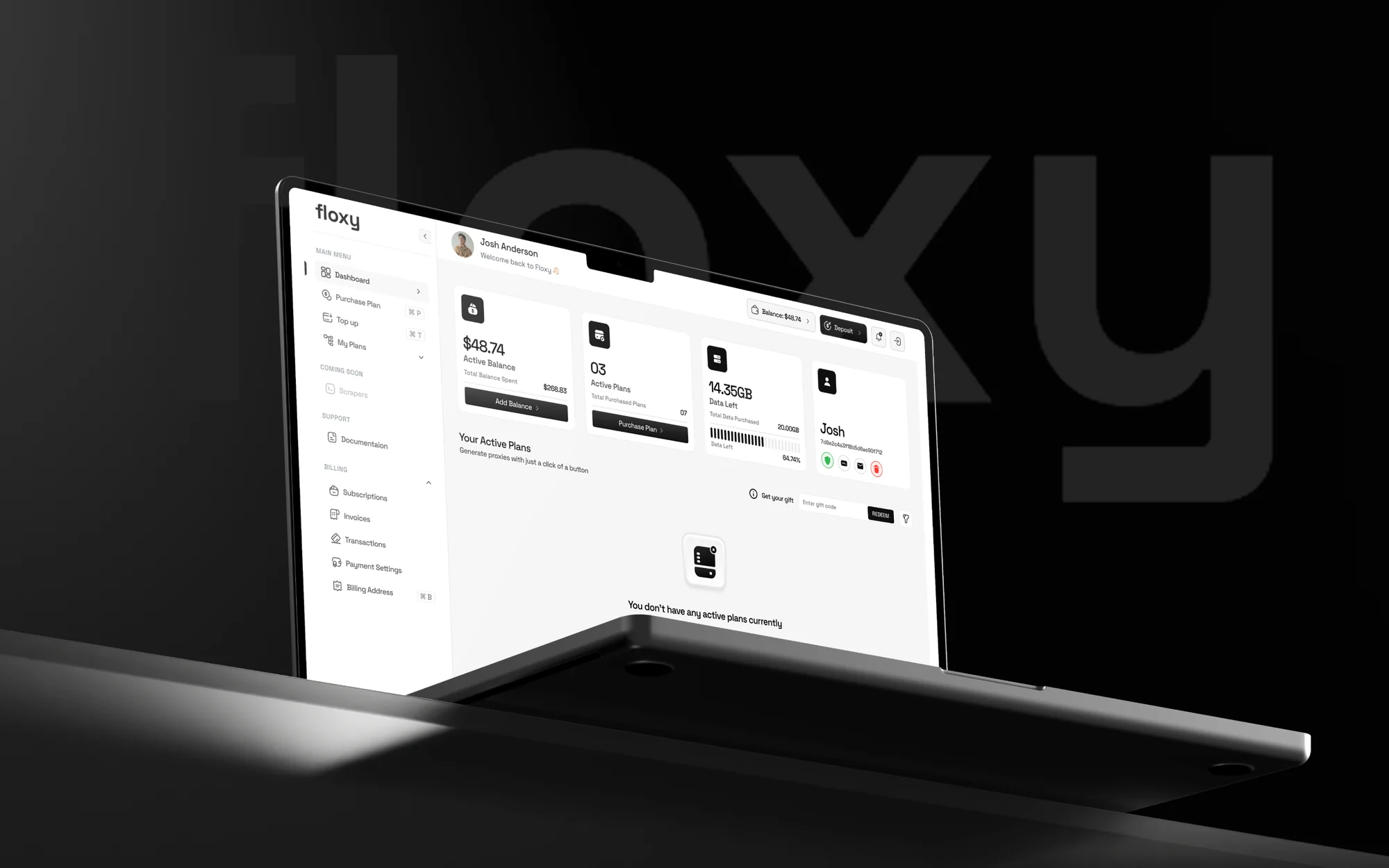 Case studyFloxy: Product designA proxy dashboard that turns a network of 30M+ residential and 500K+ datacenter proxies into a clear, fast workspace.