You need a new site, someone on the team says “Webflow is more professional”, someone else says “Framer is faster”, and the decision turns into a week of opinions. Meanwhile the old site keeps losing the visitors you paid to get.
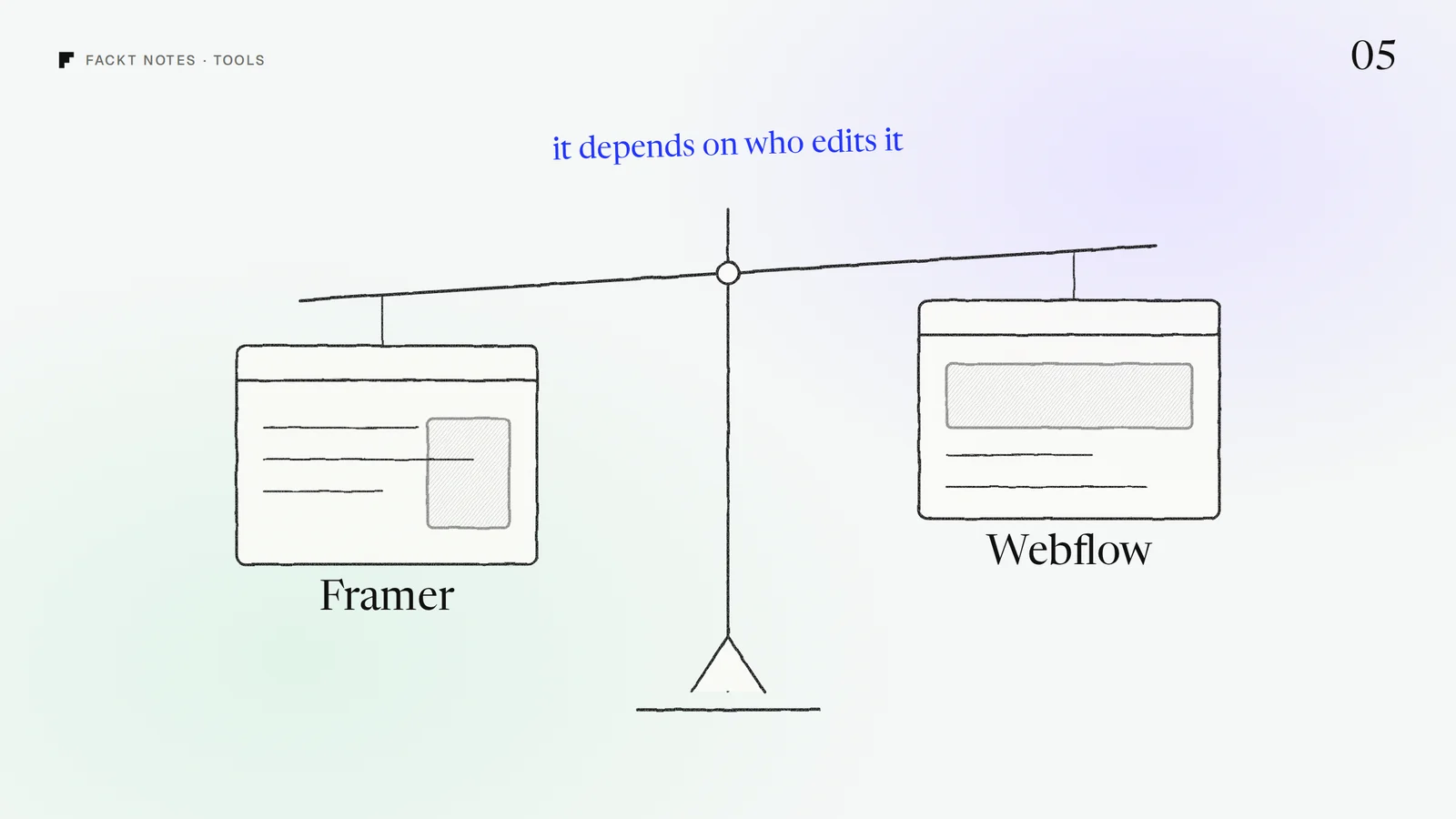
The tool rarely decides whether your site converts. What you put on the first screen does. The tool decides how painful the next twelve months of changes will be. So the real question is not which builder is better. It is who will be editing the site three months after launch, and what they will be editing.
We design and build SaaS sites in both Framer and Webflow, and we pick per project after the first call. This is the question we ask to make that pick.
The month three test
Picture your site three months after launch. Answer three questions in one line each:
- Who opens the editor? The founder, a designer, a marketer, a content team of three?
- What do they change? Page layouts and copy, or new entries in a list (posts, changelog, integrations, customer stories, docs)?
- How often? Once a month, or several times a week?
The answers point to the tool much more reliably than any feature table.
When Framer is the better pick
Framer works like a design tool. You arrange things on a canvas, much like in Figma, and the result goes live. That makes it a great fit when:
- The people editing the site are designers or founders, and they change layouts, sections and copy, not just text in a fixed template.
- The site is mostly a few strong pages: a homepage, pricing, a handful of feature pages, a blog that grows slowly.
- Motion and polish matter: scroll effects, interactions and animated product UI are built in, without custom code.
- You need to launch fast, often to have something credible live before a round or a launch.
The trade off: as content gets more structured (many lists that reference each other, filters, editorial workflows), Framer starts to feel like a design tool doing a CMS’s job.
When Webflow is the better pick
Webflow works closer to how a website is actually built: boxes, classes and a real content system. It takes longer to learn, but it rewards teams that publish a lot. It fits when:
- A marketing or content team publishes often: weekly posts, a changelog, one page per integration or partner, customer stories.
- Your content is structured and connected: collections that reference each other (an author on every post, integrations grouped by category, filters on a resource library).
- Several people edit with different rights, and you want editors who can change content without touching the design.
- A developer or agency will maintain it long term, because more people know Webflow’s way of building.
The trade off: changing layouts and adding motion takes more care, so a founder who likes to redesign sections every month will feel slowed down.
And when neither is the answer
If the site needs logins, a pricing calculator tied to your billing, app-like pages or deep integrations with your product, it is time for code. Both builders can embed custom code, but a site that keeps fighting its builder costs more than building it properly.
Before and after: the brief that picks the tool
Before: “We want Webflow because it looks more professional, and the site should feel premium.”
That brief picks a tool for a feeling. Either builder can look premium, so it says nothing about the work ahead.
After: “I will change the homepage copy and add feature pages myself every month. Our marketer will publish one post a week. We do not plan integration pages this year.”
That brief picks Framer in one read: the main editor is a founder changing pages, and the content is light.
Another after: “Our content lead will publish two posts a week, we are adding a page for each of our 40 integrations, and every post has an author and a category.”
That brief picks Webflow: a content team, structured lists and references between them.
What does not matter as much as people think
- “Webflow is better for SEO.” Both handle titles, descriptions, sitemaps, redirects and fast hosting. Clear pages and useful content move rankings, not the builder.
- “Framer is only for landing pages.” It runs full marketing sites with a CMS. The limit is how structured your content gets, not the number of pages.
- “We can switch later easily.” Switching is a rebuild either way, so pick for the site you will run a year from now. Starting in Framer and moving when a content team arrives is a fair plan, if you budget for it.
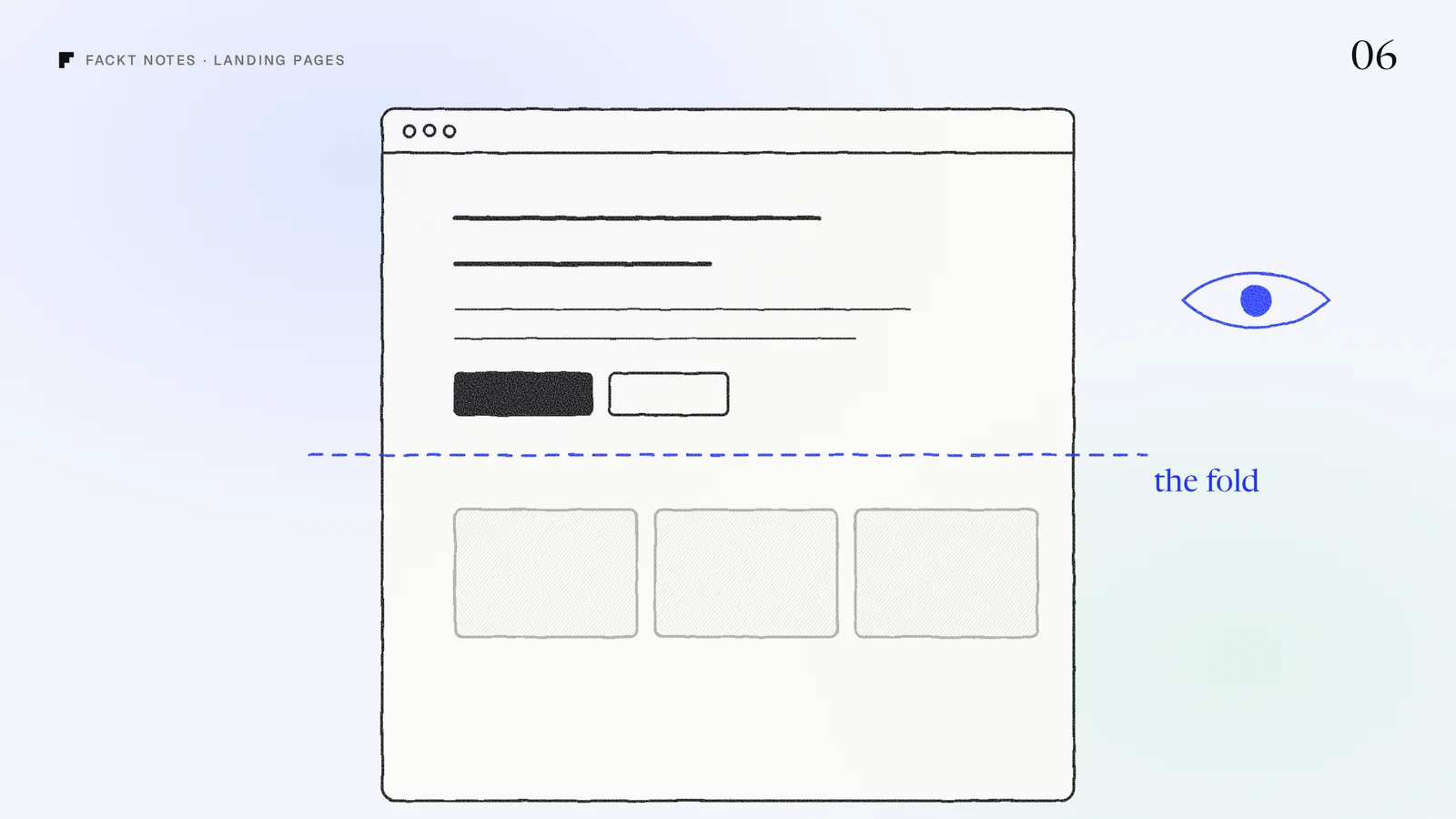
- “The tool will make the site convert.” It will not. A visitor decides in a few seconds whether your product is for them. That is a design and copy problem, and we wrote about it in what a SaaS landing page needs above the fold.
- Pricing tables. Both changed their plans in 2026 and will change them again. Check the current plans on Framer’s and Webflow’s own pages once you know which one fits; for most SaaS sites the difference is small next to the cost of the wrong fit.
Do this today: list your page types
Open a doc and list every type of page your site will need in the next twelve months: homepage, pricing, feature pages, blog posts, changelog, integrations, customer stories, docs, careers.
Then mark each type as one-off (designed once, edited by hand) or repeating (many entries with the same layout).
- Mostly one-off pages and two or fewer repeating types: Framer will feel fast and free.
- Three or more repeating types, especially ones that reference each other: Webflow will save you from fighting the tool.
- Pages that need your product’s data or logins: plan for code.
It takes ten minutes, and it usually ends the debate.
Why this is hard to see from the inside
Most teams pick the builder before they know what the site has to say. Then the site launches, the first screen still does not explain the product, and the builder gets the blame.
When we start a website project, the builder comes second. First we look at what a visitor has to understand in the first few seconds and what you will publish over the next year. For Story-Story, an influencer marketing platform, the hard part was not the tool: it was making four jobs clear on one page, which we solved with real product UI and one color per job. You can see it in the Story-Story case study.
If you are about to rebuild your site, the free audit covers how your current site comes across to a first-time visitor, within 2 days. Or book a call and we will tell you which builder fits your team, and why.
Quick answers
Is Framer or Webflow better for a SaaS website?
Neither is better on its own. Framer fits when a founder or designer keeps changing pages, layouts and motion. Webflow fits when a content team publishes a lot of structured content, like a blog, a changelog or integration pages, with roles and reviews.
Is Webflow better than Framer for SEO?
Not in a way that decides rankings for most SaaS sites. Both handle titles, descriptions, sitemaps, redirects and fast hosting. What you publish and how clear the pages are matter far more than the builder.
Can I switch from Framer to Webflow later?
Yes, but it is a rebuild, not an export. Pick for the site you will run a year from now. Starting in Framer and moving to Webflow when a content team arrives is a fair plan, as long as you budget for the rebuild.
 Case studyStory-Story: Web design and brandingA color-coded landing page and brand UI for an influencer marketing platform that brings discovery, monitoring, saved content and campaigns into one workspace.