You translated your app’s strings into German, French and Spanish, uploaded the build, and downloads in those countries barely moved. The app speaks German now. The App Store page, the first thing a German visitor sees, still speaks English.
Localization is not translating strings. It is rewriting the three places where your app sells itself: the store page, the first minute, and the messages it sends. The strings are the easy part, and they are the part most teams stop at.
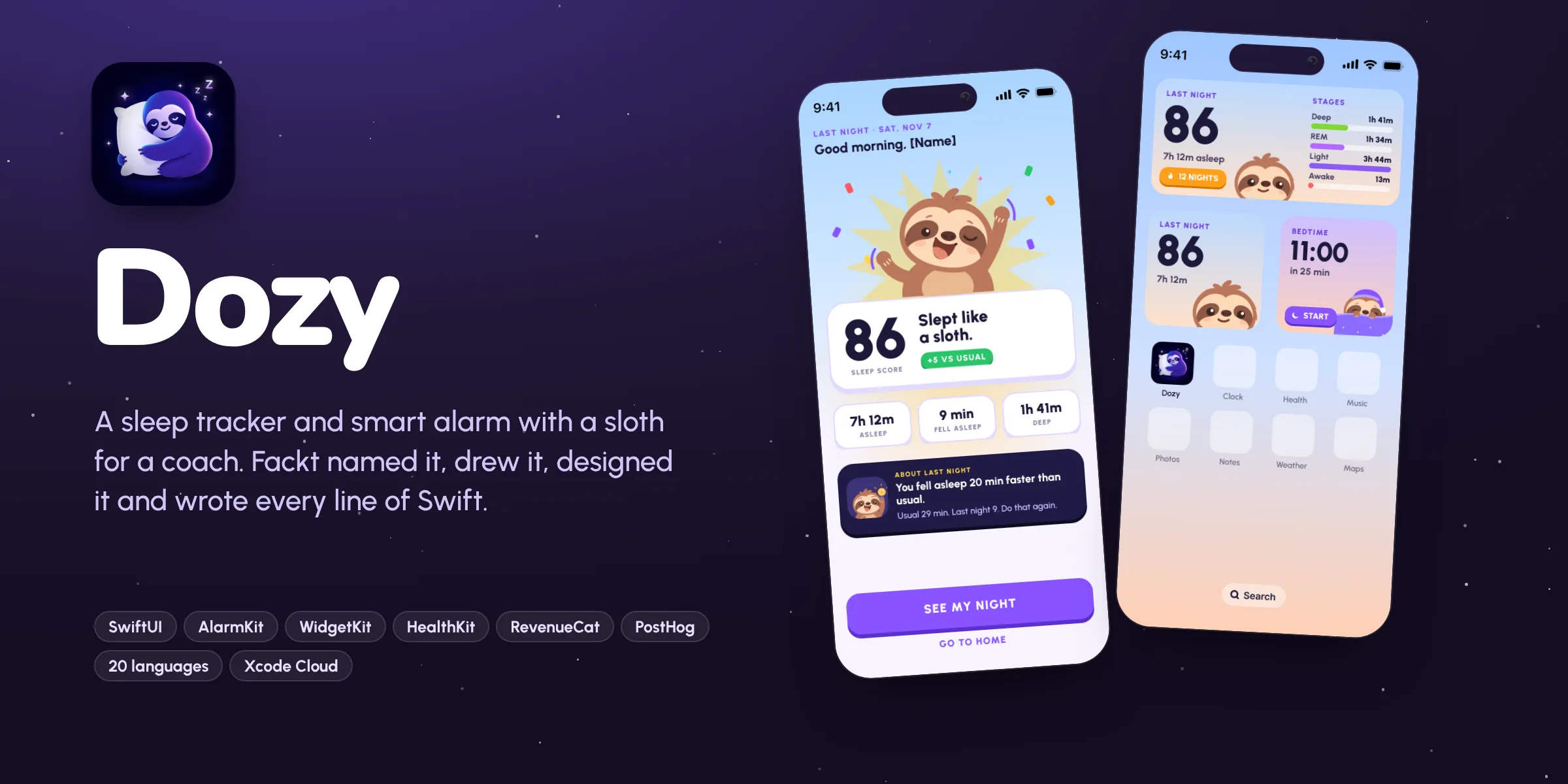
We localized Dozy, our own sleep tracker, into 20 languages: 925 strings each, the App Store listing, and all seven App Store previews, redrawn for every language.
The setup: one catalog, every string in it
On iOS, put every user facing string in a string catalog (a Localizable.xcstrings file). Dozy’s has 925 keys: every button, every empty state, every notification, every paywall line. Nothing is hardcoded in a view.
Two habits make this pay off:
- Write strings as whole sentences with placeholders, like “Bedtime in %d min”, never by gluing pieces together. Word order changes between languages, and glued sentences break.
- Give every string a short comment about where it appears and how much room it has. A translator who knows “this is a button, about 12 characters” writes a better string than one guessing.
Then the app side is mostly done. The languages are cs, da, de, es, fi, fr, hu, it, ja, ko, nb, nl, pl, pt-BR, ro, sk, sv, tr and zh-Hans, on top of English.
Rewrite the headlines, do not translate them
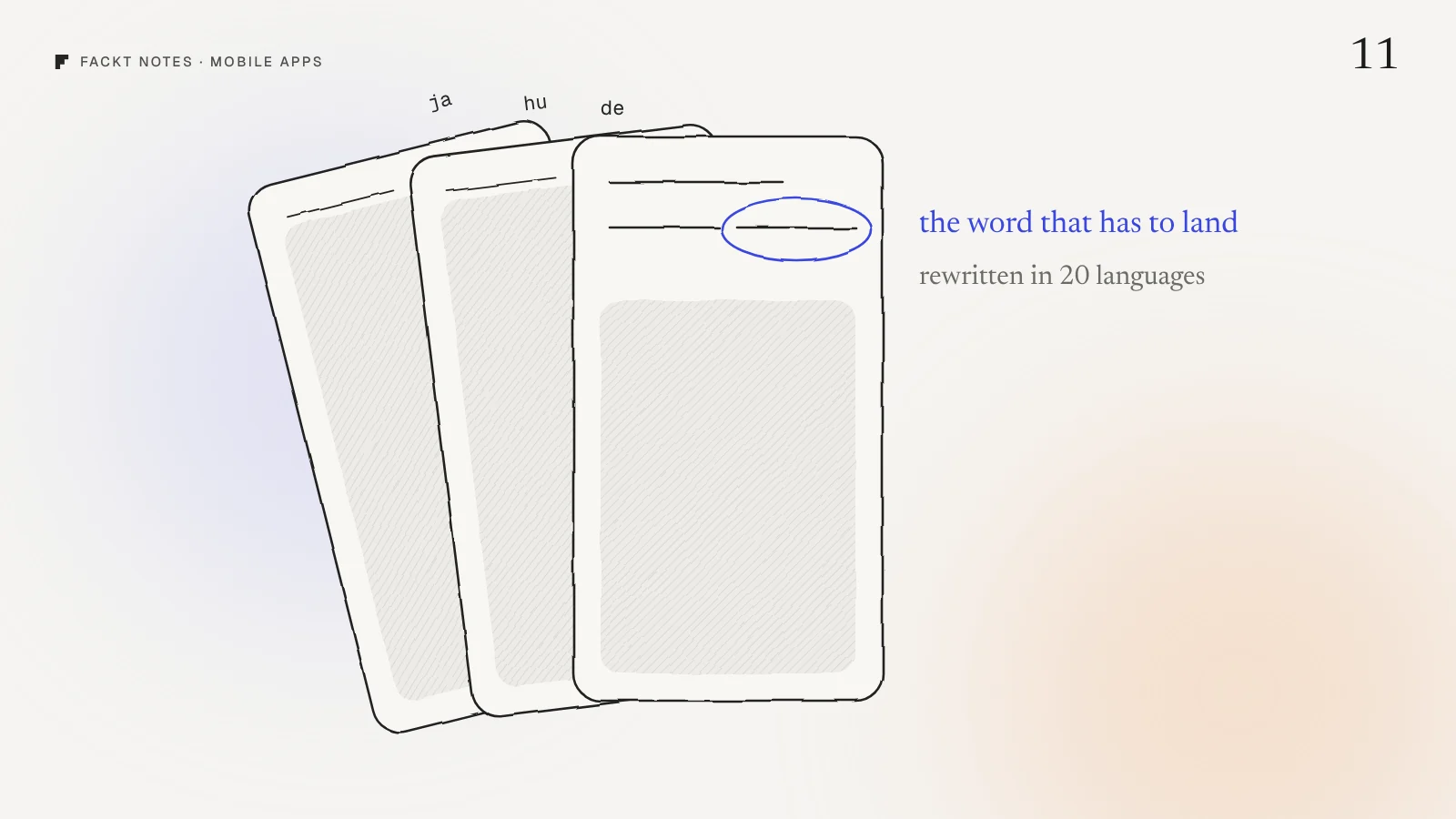
Dozy’s App Store previews each have one headline with one highlighted word: “Sleep slow. Wake easy.” The highlight is the whole design. Translate the sentence word for word and the highlighted word often lands in the wrong place, or does not exist.
So each preview headline was rewritten per language around the word that matters. The morning score preview says “Every night gets a score.” In German it became “Jede Nacht bekommt einen Score.” In Hungarian “Minden éjszaka pontozva.” In Japanese “毎晩にスコアを。” Different sentences, same idea, and the highlight still lands on the score.
Then all seven previews were redrawn per language, so the phone screens inside them show the app in that language too. A German headline above an English screenshot looks like a cheap translation, because it is one.
Give the long languages room
German, Finnish and Hungarian words are long. Japanese, Korean and Chinese are short but need different line heights. A layout tested only in English will clip, wrap or overflow somewhere.
The fix is in the design, not the translation:
- Let text wrap instead of fixing widths. Buttons grow, labels take two lines.
- Design the stress cases. For every key screen, check the longest language, not just English. If the score label works in Hungarian, it works everywhere.
- Keep big numbers out of sentences. “86” is the same in every language. Put it in its own element and let the label around it change.
Personality is the hardest part
Dozy’s notifications have a voice. The bedtime nudge says “Psst. Bedtime in 15.” If you ignore it: “Still up? Bold move.” The sloth is never sad and never blames you.
That voice is what makes people keep notifications on, and it is the first thing a literal translation kills. A joke translated word for word is not a joke. So copy with personality gets the same treatment as headlines: rewrite it so it does the same job in the new language, even if the words are different.
If you can only afford careful rewriting for part of the app, spend it on the notifications, the paywall and the onboarding. Settings screens can be plain.
Localize the store listing, every field
The App Store listing has a name, a subtitle, a description, keywords and What’s New notes, and each one can be set per language. Dozy has a listing written for each of its 19 extra languages, kept as files next to the code so they change with the app.
The keywords field matters most for search. People search in their own language, with their own words for “sleep tracker” and “snoring”. An English keyword list on a Polish store page finds nobody.
Try this today
Open your App Store page in a language you localized. Change your device language if you need to. Then ask:
- Is the first screenshot’s headline in that language, and does it still make sense?
- Are the screens inside the screenshots in that language?
- Is the keywords field filled in, in that language?
Most apps fail at least one. Fixing the screenshots alone often matters more than translating another hundred strings.
Why this is hard to see from the inside
You read your App Store page in your own language every day, so it always looks finished. The German page, the Japanese page and the Hungarian page are the ones nobody on the team opens. That is where downloads are quietly lost.
We check localized store pages, onboarding and paywalls as part of the free audit: a video walkthrough and a written list of fixes, within 2 days. Every Dozy preview, in all 20 languages, is in the Dozy case study.
Quick answers
How many languages should an iOS app launch in?
Start with the markets you can serve and test, then add more once the setup is in place. With a string catalog and a repeatable screenshot template, adding a language becomes a few hours of work, so it is worth building that setup early.
Do I need to localize App Store screenshots?
Yes, if you localize the app. The screenshots are what people see before they download, so an English preview on a German store page undoes most of the work. Rewrite the headline per language rather than translating it word for word.
What is the hardest part of localizing an app?
Copy with personality: playful notifications, headlines with one highlighted word, and short labels that have to fit a fixed space. Those need rewriting per language, not translation, and a layout that survives long words.
 Case studyDozy: Brand, product design and iOS appOur own sleep tracker and smart alarm for iPhone. We named it, drew the sloth, designed every screen, wrote 28k lines of SwiftUI and shipped it in 20 languages.