Your app works, people pay for it, and the code underneath is a problem. Maybe the developer who built it left. Maybe every change breaks two other things. Maybe you simply cannot get the source. Either way, the only real fix is a rebuild, and the fear is always the same: what happens to the people already using it?
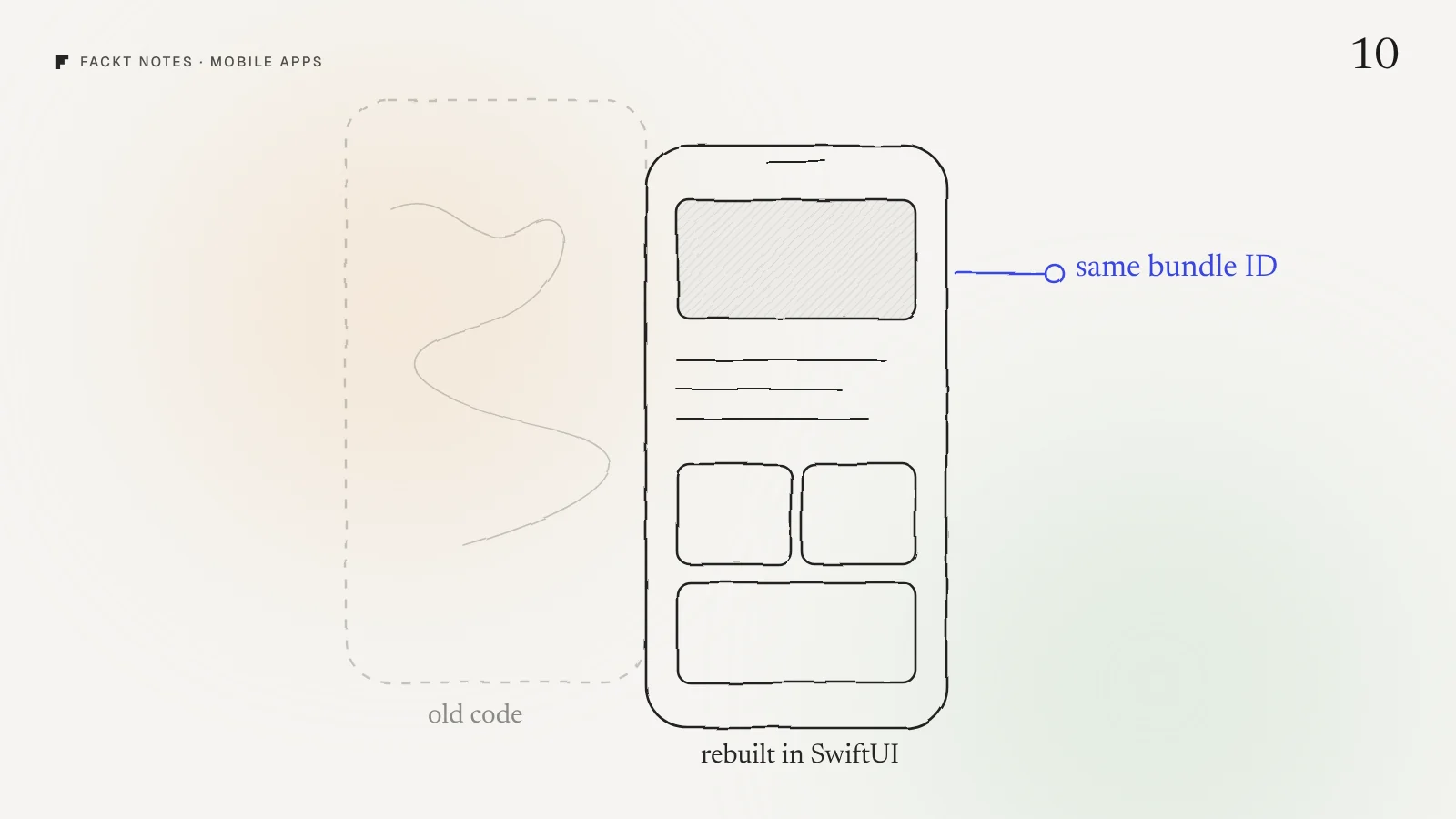
A rebuild is not a new app. To your users it is just an update, as long as you keep the four things they are attached to: the app’s identity, their purchases, their data and their shortcuts. Everything else can change.
We did this with Ritual, our own habit tracker. It was rebuilt from scratch as a native SwiftUI app, and then we shipped four releases in about a week.
Keep the identity: same bundle ID, same record
Every iOS app has a bundle ID, like com.company.app. It is how iOS knows that the new build is the same app as the one on the phone. Ship your rebuild under the same bundle ID, in the same App Store Connect record, with a version number higher than the current one.
Do that and the rebuild arrives as a normal update. Users keep the app where it is on their home screen, the reviews and ratings stay, and your App Store ranking does not reset. Ritual 2.0 shipped exactly like this: a full rebuild, delivered as an update.
Change the bundle ID and you have a new app with zero reviews, and every current user has to find it and download it again. Most will not.
Keep the purchases: same product IDs
If your app sells subscriptions, each plan has a product ID in App Store Connect. People’s active subscriptions are tied to those IDs. Reuse them in the rebuild and existing subscribers stay subscribed, with restore purchases working as before.
If you want new prices or new plans, add new products alongside the old ones rather than replacing them. A subscription tool like RevenueCat makes this easier, because the app asks for “the current offering” instead of hardcoded IDs, so you can change what new users see without touching what existing users own.
Keep the data, or migrate it on first launch
The data people created in your app is the thing they care about most: their streaks, their history, their settings. List every place the old app stored something: the device’s local storage, a database file, iCloud, a server. Then decide for each one whether the new app reads it as is or converts it once, on first launch.
Test this with a real old build. Install the current App Store version, use it for a few days, then install the rebuild over it. If anything is missing, you found it before your users did.
Keep the shortcuts
People reach your app in more ways than the icon. Check the ones that would silently break:
- Deep links and URL schemes used in emails, notifications and marketing.
- Widgets people have placed on their home screen.
- Notifications that are already scheduled on the device.
- Shortcuts and Siri actions, if you had them.
A broken widget is a small bug in your backlog and a broken app on someone’s home screen.
Design first, then build
Here is the part that makes a rebuild worth it. Every screen is being written again anyway, so it costs almost nothing extra to make each one better. Rewriting old screens one to one is the most expensive way to end up where you started.
For Ritual, we designed the new look first, a warm paper style we call Soft Grain, and the whole app around it: onboarding in light and dark, Home, every ritual’s detail screen, settings, and four paywall designs. The build then had a clear finish line: match the designs, screen by screen.
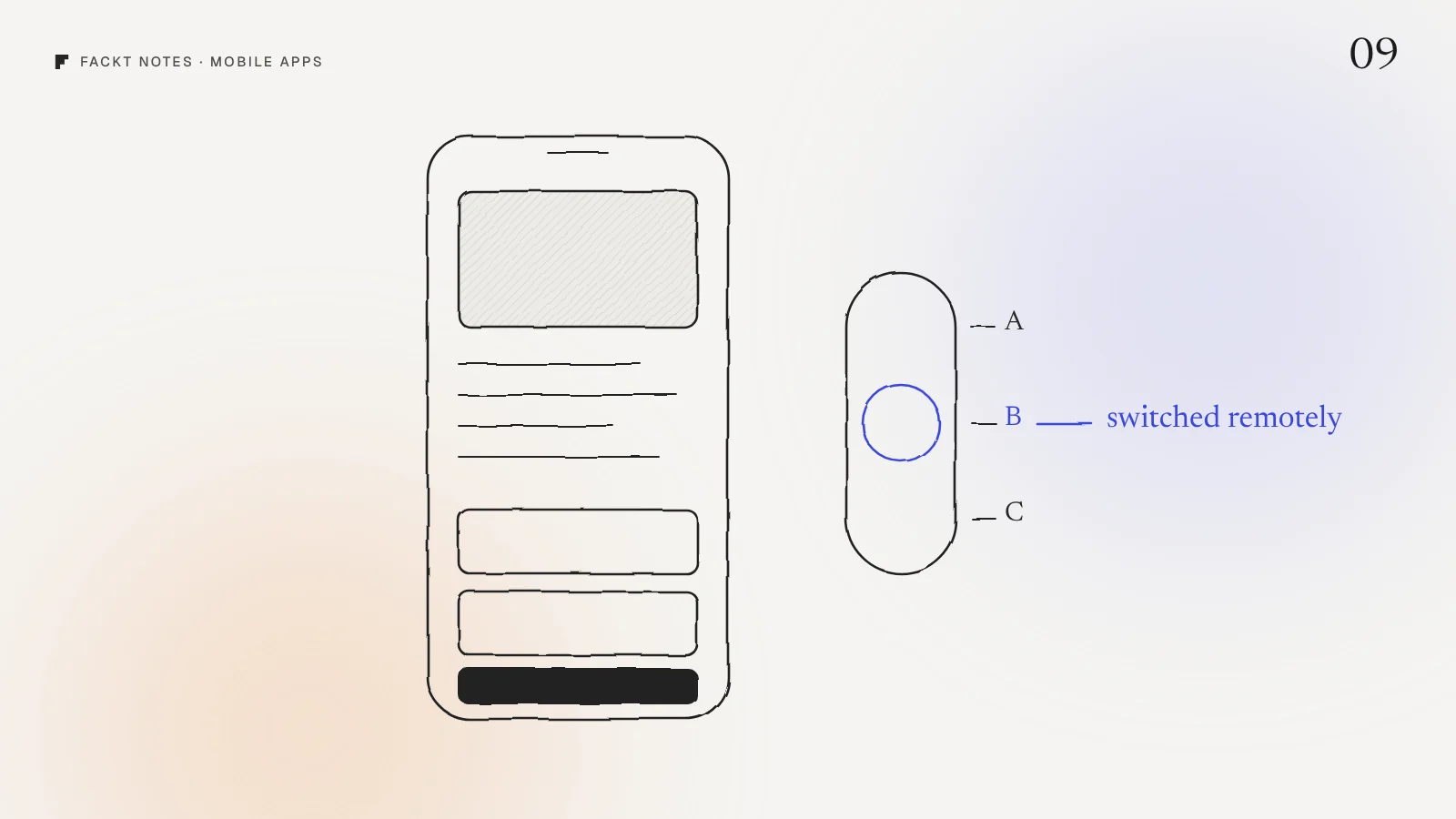
It also meant we could ship more than a copy. Ritual 2.0, the rebuild, already had a 13 step onboarding, Apple Health sync, reminders, rest days, data export and remotely switchable paywalls.
Then keep shipping
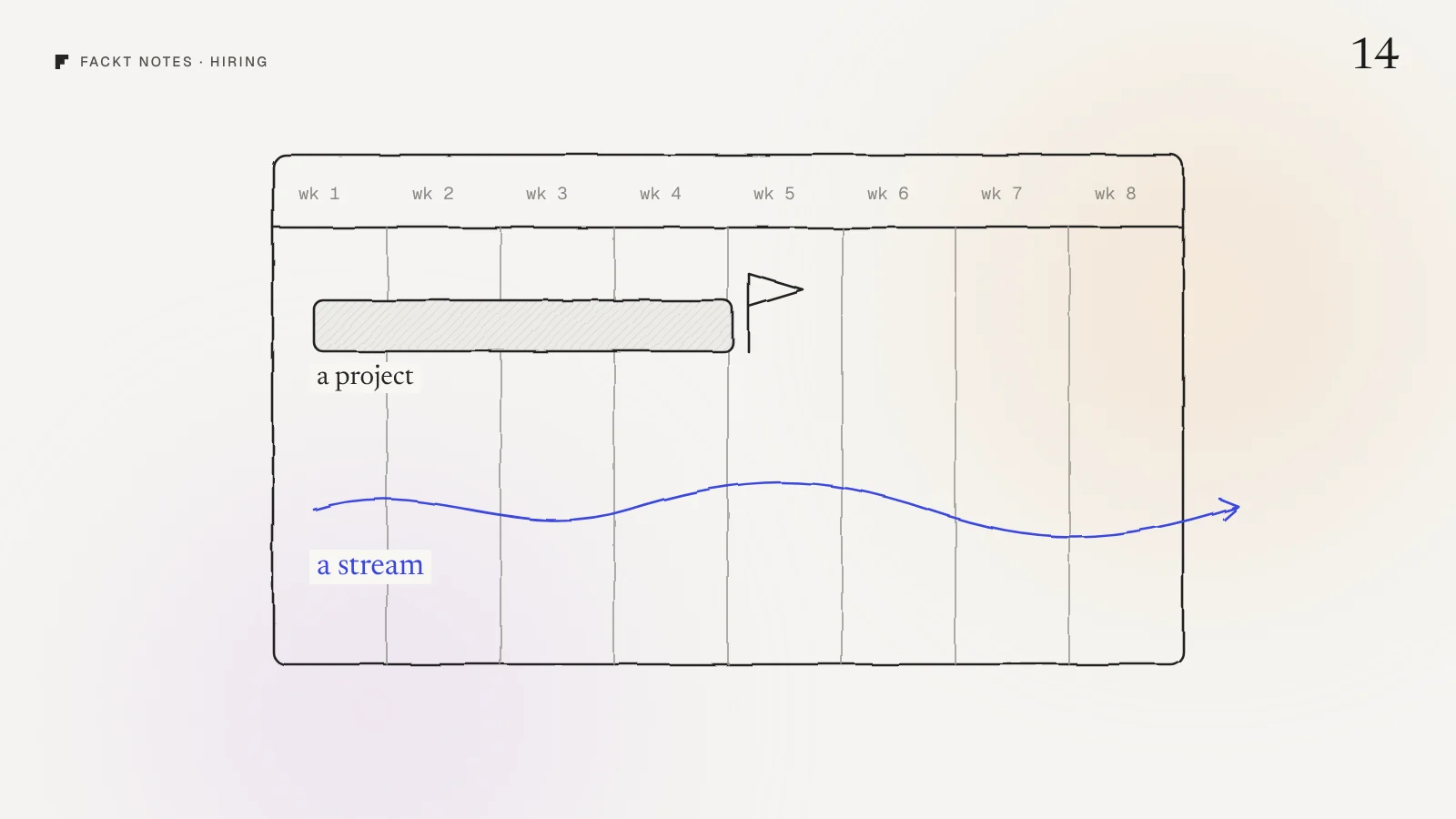
A rebuild usually ends with a big sigh of relief and three months of silence. It should end with momentum, because now changes are cheap.
After 2.0, Ritual got 2.1 with a room for every ritual, widgets, a meadow that grows with your habits and a weekly recap you can share. Then 2.2 with a plan paywall built from the onboarding answers. Then 2.3 with a What’s New screen in all 35 languages and analytics across onboarding, paywalls and rituals. Four releases in about a week, each one reviewed and released by Apple.
That is the real payoff of a clean codebase: the next idea is days away, not a quarter.
A rebuild checklist for this week
Before anyone writes code, write down:
- Your bundle ID and the App Store Connect record it belongs to.
- Every subscription and in-app purchase product ID.
- Every place the app stores user data, and what happens to it on first launch of the new version.
- Every deep link, widget, notification and shortcut that opens the app.
- The screens you would redesign if rewriting them cost nothing. (It nearly does.)
If you cannot fill in the first four, that is your first job, and it is worth doing before you talk to any developer.
Why this is hard to see from the inside
When an app has been painful for a while, it is tempting to treat the rebuild as a technical project and get it over with. But users never see the code. They see the screens, the paywall and whether their data survived. A rebuild planned around those things feels like a better app. A rebuild planned around the code feels like the same app with new bugs.
If you are weighing a rebuild, we can look at the app first in a free audit: a video walkthrough and a written list of what to keep, fix and redesign, within 2 days. The full story is in the Ritual case study.
Quick answers
Can I rebuild my iOS app without users reinstalling it?
Yes. Ship the rebuild under the same bundle ID in the same App Store Connect record, with a higher version number. Users get it as a normal update, keep their reviews and ratings, and nothing changes on their home screen.
What do I need to keep when rebuilding an app?
The bundle ID, the subscription product IDs, the data people already have in the app, and any links that open it, such as deep links and widgets. Change those and people lose purchases, data or shortcuts.
Should I design before rebuilding an app?
Yes. A rebuild is the cheapest moment to fix the design, because every screen is being written again anyway. Designing first also gives the build a clear finish line.
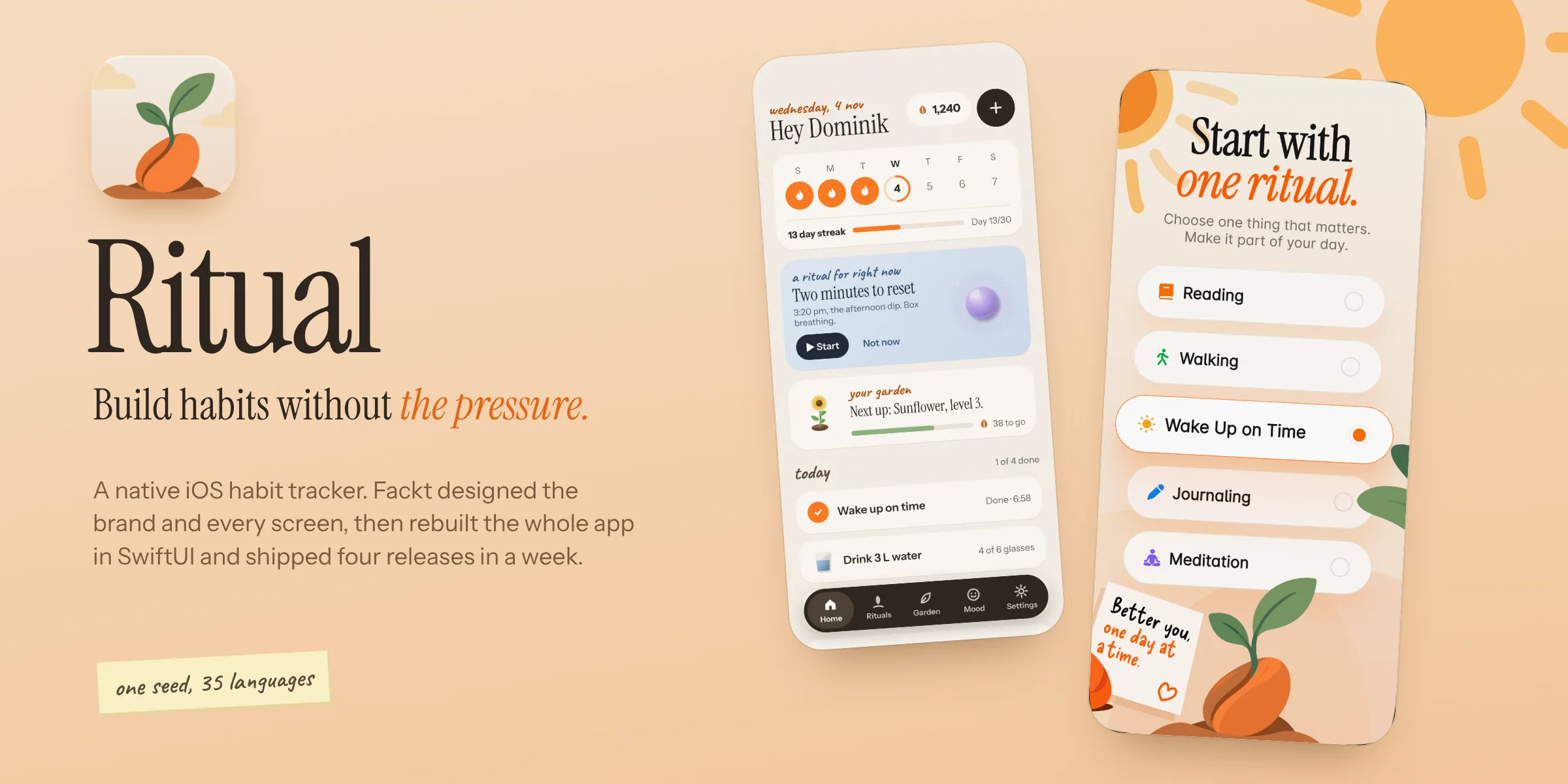 Case studyRitual: Brand, product design and native iOS rebuildOur own habit tracker for iPhone. We designed the brand and every screen, rebuilt the app from scratch in SwiftUI and shipped four releases in a week, in 35 languages.