Signups look fine, active users do not, and somewhere between “Create account” and the first useful moment, people disappear. You open analytics to find where, and there is one event: signup. Everything after it is a black box, and the only way to open it is to ship tracking now and wait a month for data.
The most valuable analytics in an app are the ones you add before launch, because the first users are the ones you learn the most from, and you only get them once. Every step of onboarding should be an event on day one, and every answer should be saved on the user.
This is the setup we put into our own apps, Ritual and Dozy, before release.
One event per step, numbered
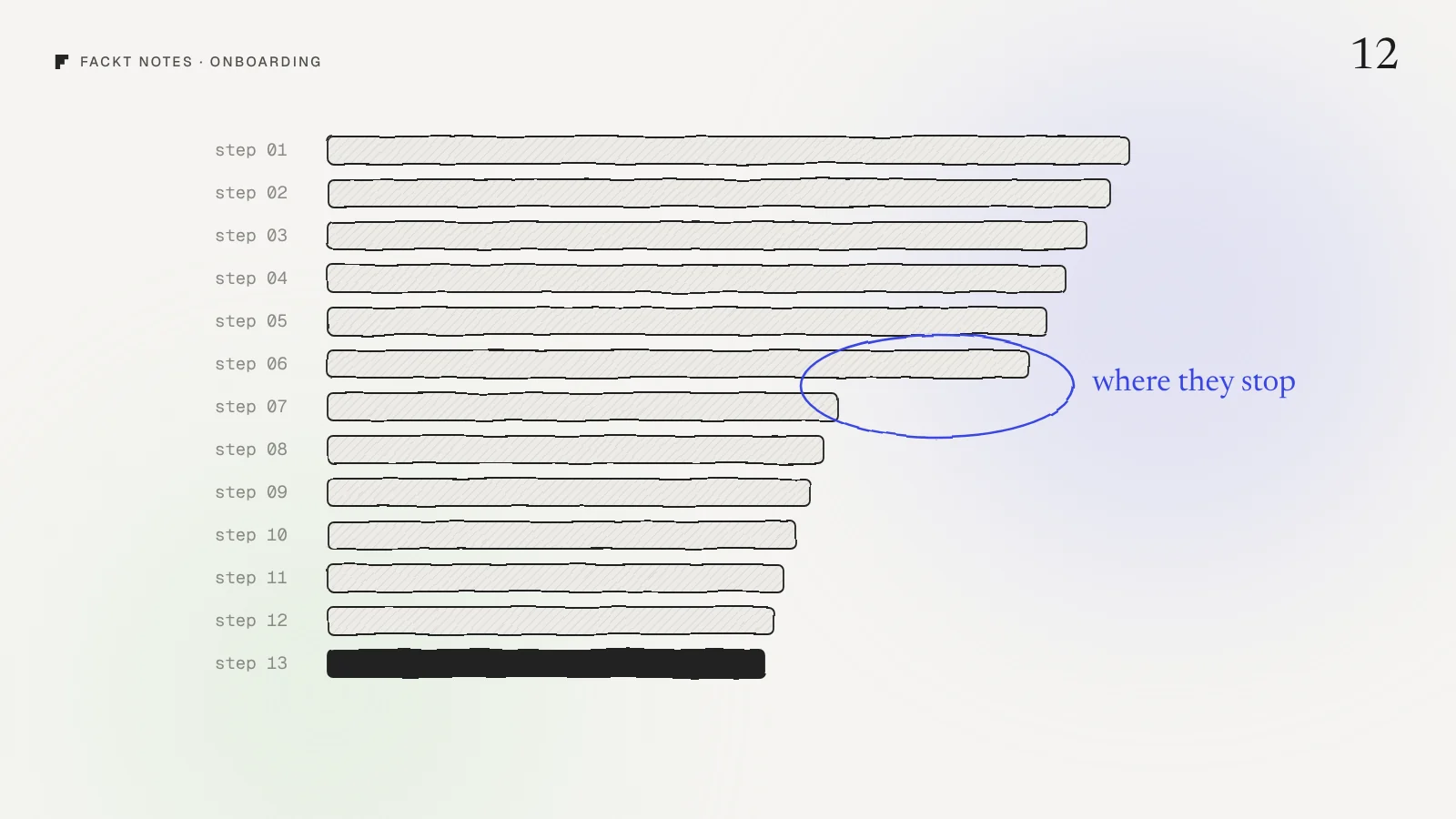
Ritual’s onboarding has 13 steps, from the welcome screen to a signed personal commitment. Each step sends its own event, numbered and named:
onboarding_01_welcome
...
onboarding_13_commitment
onboarding_completed
The numbers matter. In any analytics tool, a funnel built from these events reads top to bottom in the right order, and the step where the bar suddenly drops is the step to redesign. No guessing, no “I think people leave around the questions”.
Dozy does the same with one event, onboarding_step_viewed, and the step as a property. Either way works. What does not work is tracking only the start and the end.
Save the answers on the user
Onboarding usually asks questions: what you want to focus on, what gets in your way, when you have time. Most apps use the answers once, to personalize the next screen, and then throw them away.
Save them as properties on the user instead. Ritual keeps focus, challenges, first ritual, rhythm, first plant, language, country and whether the person is Pro. Now every later number can be split by them:
- Do people who chose “sleep” as their focus start the trial more often than people who chose “fitness”?
- Do people who said they procrastinate stay longer if their first ritual is small?
- Is one language converting far below the others?
Those questions are where the next onboarding redesign comes from, and you can only answer them if the answers were saved from the start.
Track the permission moments
Apps ask for permissions during onboarding: notifications, health data, the microphone. Each answer changes what the app can do for that person. Dozy sends permission_result for every answer, so you can see how many people allow notifications, and whether the people who said no behave differently a week later.
Dozy also runs a setup check before the first night (is the phone plugged in, are alarms allowed, is it on the bed) and sends setup_check_result. If many people fail the same check, that is a design problem in the setup, not a user problem.
Measure the paywall like a step
If the paywall appears in onboarding, it is an onboarding step and should be tracked like one, with more detail than most:
- Viewed, with where it opened (onboarding, a locked feature, settings).
- Closed, with how many seconds it was on screen. A close after one second and a close after forty seconds are different signals: one person did not read it, the other read it and said no.
- Purchase started, completed, cancelled and failed, as separate events. A failed purchase is a bug to fix, not a user who changed their mind.
Keep it anonymous
None of this needs to know who anyone is. Both apps use an anonymous ID, Dozy turns off location lookup and has an opt out toggle in settings, and no names or emails are ever sent. You get a complete funnel with no personal data, and nothing to worry about when someone asks what you collect.
Your tracking plan, in one hour
Open your onboarding and write a list:
- Every screen, numbered, as one event each.
- Every question, as a property on the user.
- Every permission prompt, as an event with the answer.
- The paywall: viewed with source, closed with seconds, and each purchase state.
- One event for “onboarding completed” and one for the first real win in the product.
That list is about twenty events and a handful of properties. Hand it to your developer as one task. It is the cheapest research you will ever buy.
Why this is hard to see from the inside
When you built the onboarding, every step had a reason. Data is how you find out which reasons your users agree with. Teams that track from day one redesign the one step that loses people. Teams that do not redesign everything, because they cannot tell which part is broken.
We design onboarding together with the events to track, so every step can be measured from launch. If you want a second look at yours, start with the free audit: a video walkthrough and a written list of fixes, within 2 days. The full Ritual onboarding is in the Ritual case study.
Quick answers
What onboarding events should I track?
One event per onboarding step with the step number in the name or as a property, an event when onboarding is completed, every permission answer, and every paywall view and close. That is enough to see exactly where people stop.
Should onboarding answers be saved in analytics?
Yes, as properties on the user, not only as events. Then every later number, like trial starts or retention, can be split by what people told you in onboarding, such as their goal or their main challenge.
Can I track onboarding without collecting personal data?
Yes. Use an anonymous ID, turn off location lookup, never send names or emails, and offer an opt out. You still get a full funnel without knowing who anyone is.
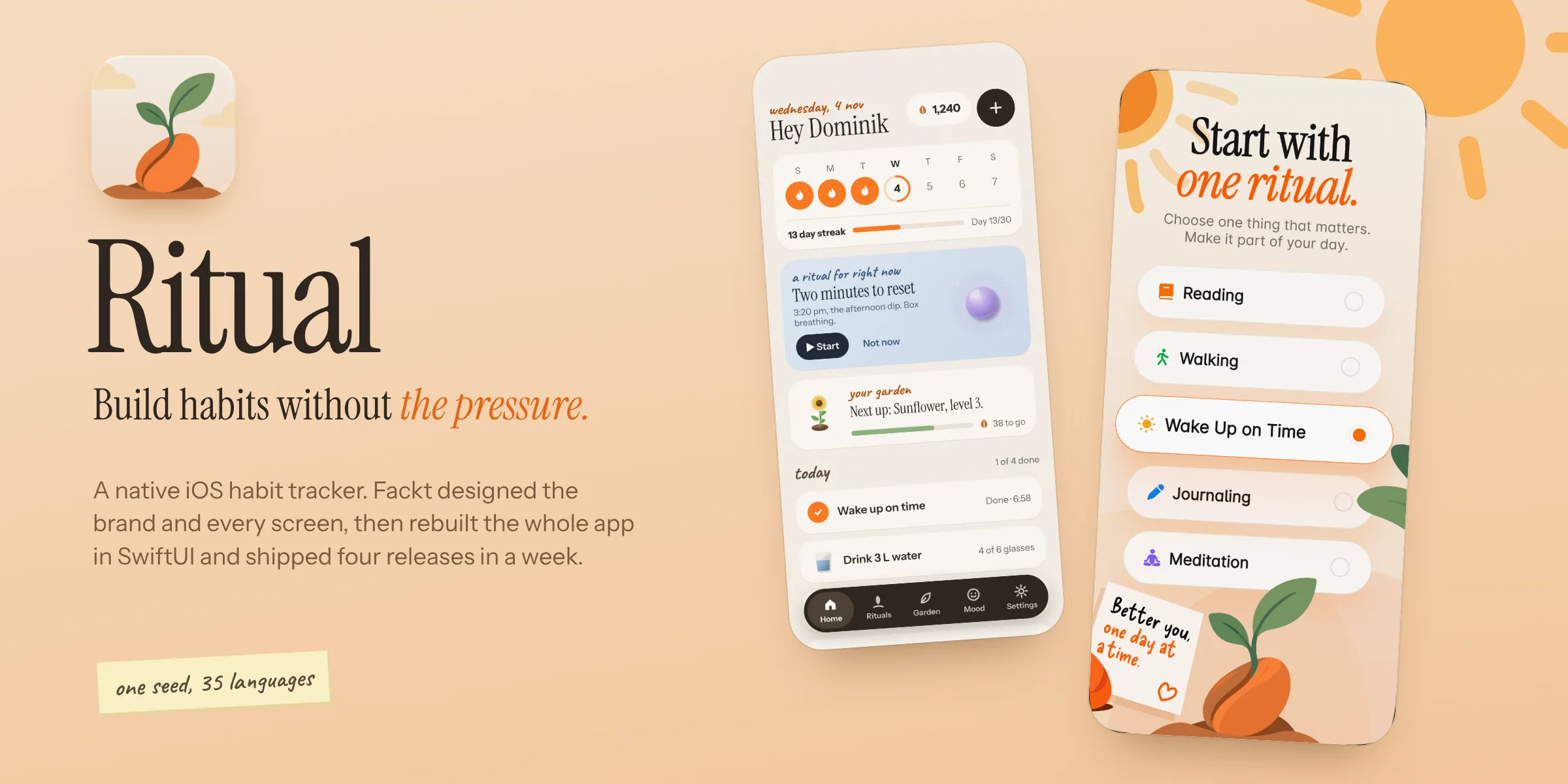 Case studyRitual: Brand, product design and native iOS rebuildOur own habit tracker for iPhone. We designed the brand and every screen, rebuilt the app from scratch in SwiftUI and shipped four releases in a week, in 35 languages.