Motion that ships.
Ten animated screens from three iOS apps Fackt designed and built: Dozy, Ritual and Fluo, all live on the App Store. Nothing here is a video. Each screen runs as code, ported from the app's own SwiftUI and SpriteKit with the same springs, timings and artwork. Hit Replay on any screen and open the source under it to see what runs on the phone.
Dozy
Sleep tracker and smart alarm · iOSA sloth for a coach, a sleep engine on the phone and a score every morning.
 Woken in light sleep
Smart alarm sunrise
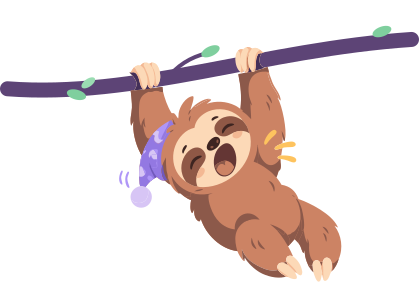
The night tint lifts, the sun climbs from behind the hills and the sloth springs up with a little overshoot.
WakeUpScreen.swift
// Sunrise: the night tint lifts, the sun climbs, the sloth springs up.
withAnimation(.easeOut(duration: 1.4)) { risen = true }

sunRings
    .scaleEffect(risen ? 1 : 0.9)
    .offset(y: 48 + (risen ? 0 : 230))
    .animation(.easeOut(duration: 1.6), value: risen)

Image("WakeSlothBranch")
    .scaleEffect(x: 1, y: risen ? 1 : 0.94, anchor: .bottom)
    .offset(x: 7.3, y: risen ? 0 : 34)
    .animation(.spring(duration: 0.9, bounce: 0.38).delay(0.35), value: risen)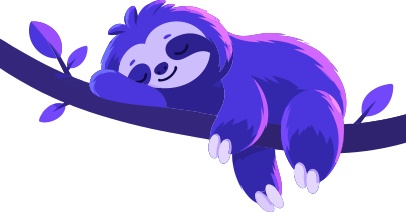
Night mode
Ambient loops tuned to feel asleep: a slow breath on the sloth, twinkling stars, a heartbeat colon and a pulsing tracking dot.
SleepFlowView.swift
Image("SleepSlothBranch")
    // Sloth and branch are one image: a very slow,
    // shallow breath anchored at the branch.
    .dozyBreathing(amount: 0.018, duration: 3.6, anchor: .top)

// The colon breathes softly like a sleeping heartbeat.
withAnimation(.easeInOut(duration: 1.6).repeatForever(autoreverses: true)) { dim = true }

// Green "tracking" dot with a soft expanding halo.
withAnimation(.easeOut(duration: 1.8).repeatForever(autoreverses: false)) { pulse = true }

Night night, Alex
Here's your first night card. It fills in with your score when you wake up.
Goal 8h 30m, smart wake-up on
First night card
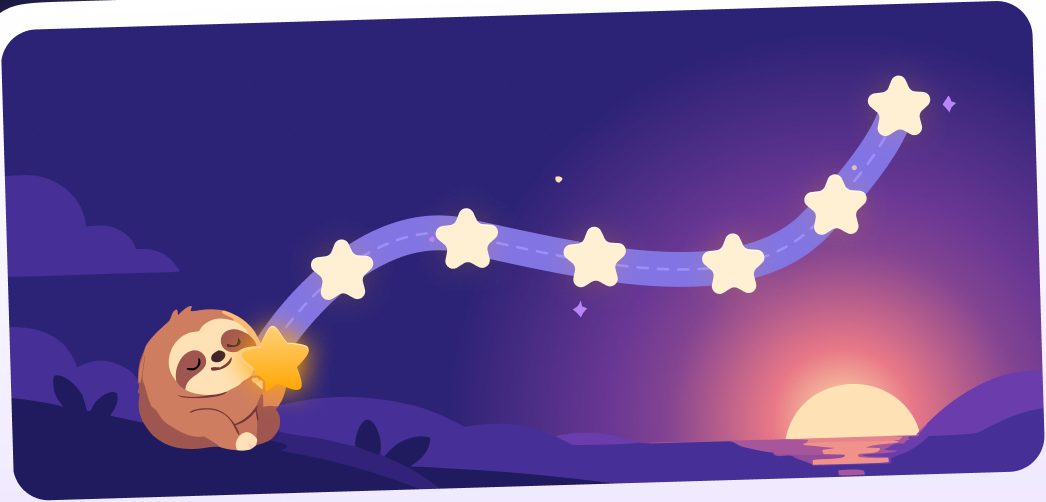
The end of onboarding: the moon floats in, the sloth breathes on its branch and the first night card drops in from a steep tilt and settles.
OnboardingAllSetView.swift
// The first night card drops in from a steeper tilt
// and settles at the design's -1.69 degrees.
.scaleEffect(landed ? 1 : 0.9)
.rotationEffect(.degrees(landed ? -1.69 : 7))
.offset(y: landed ? 0 : 36)
withAnimation(.spring(duration: 0.8, bounce: 0.35).delay(0.22)) { landed = true }

Image("OnbAllSetMoon").dozyFloat(distance: 4, duration: 3.8)
// Sleeping sloth on the branch: slow breathing from its belly.
Image("OnbAllSetSloth").dozyBreathing(amount: 0.025, duration: 3.0, anchor: .bottom)
Ritual
Habit tracker · iOSHabits without the pressure. Rebuilt native in SwiftUI, then four releases in a week.
Level 3, growing
Every ritual you finish waters your plot.
 +12 seeds today
Garden that grows
Plants pop onto the lawn, level up with a bump and sparkles, sway on their own rhythm, and the land expands with a glow.
PlotScene.swift
// New plant: pop in from a seed.
node.setScale(0.1)
node.run(.sequence([.scale(to: 1.1, duration: 0.22),
                    .scale(to: 1, duration: 0.18)]))

// A gentle sway, each plant on its own rhythm.
let d = Double.random(in: 1.8...2.6), a = CGFloat.random(in: 0.025...0.04)
sprite.run(.repeatForever(.sequence([.rotate(toAngle: a, duration: d),
                                     .rotate(toAngle: -a, duration: d)])))

// Land grows: the new edge glows, then fades.
glow.run(.sequence([.wait(forDuration: Double(i + j) * 0.04),
                    .fadeAlpha(to: 0, duration: 1.4)]))

Guided breathing
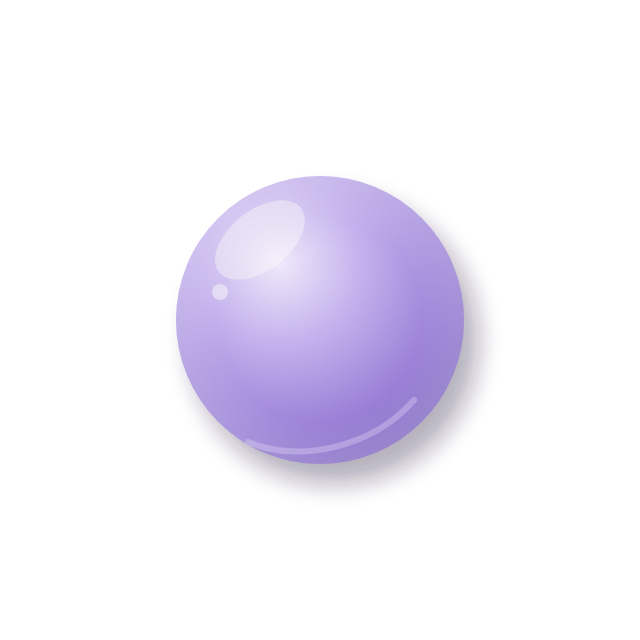
A 4, 4, 4, 4 box breath: the orb grows and shrinks with the lungs, the ring tracks the phase, the label crossfades.
BreatheSession.swift
ZStack {
    RoomLayer(room: "breathe", layer: "halo")
    RoomLayer(room: "breathe", layer: "orb")
    RoomLayer(room: "breathe", layer: "sparkles")
        .opacity(phase == .exhale ? 0.4 : 1)
}
.scaleEffect(0.42 + 0.5 * m.scale)

Text(phase.label)
    .contentTransition(.opacity)
.animation(.easeInOut(duration: 0.35), value: m.step)Wake up on time

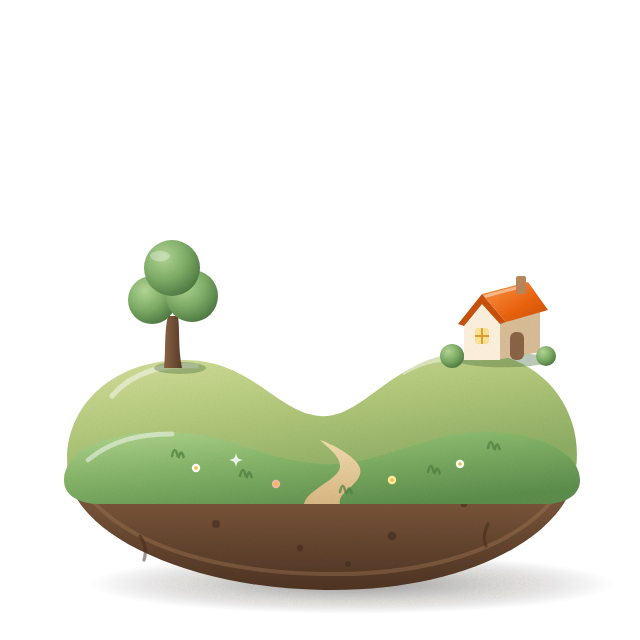
Wake-up room
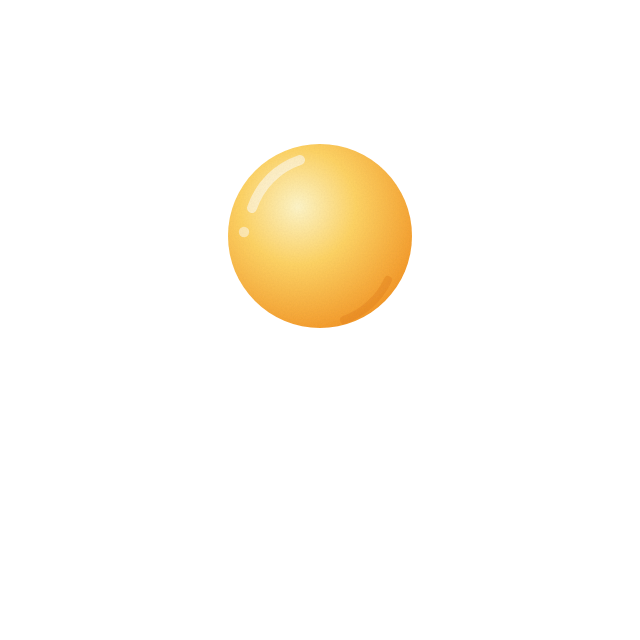
Drag the sun up when you are up. It snores while it peeks, the clouds part, it overshoots, squashes, wakes up and starts to glow. Try dragging it yourself.
RoomsCheck.swift
// Idle: the peeking sun bobs like it is snoring.
let bob = asleep ? 3 * checkWave(t, 2.4) : 0
// Done: the glow turns (rays repeat every 30 degrees) and breathes.
let spin = awake ? (t * 6).truncatingRemainder(dividingBy: 30) : 0

private func up() {
    // overshoot about 8 pt above the resting spot, then settle
    withAnimation(.spring(duration: 0.35, bounce: 0.1)) { rise = 1 + 8.0 / 76.0 }
    withAnimation(.spring(duration: 0.5, bounce: 0.2)) { parted = false }
    after(0.3) { withAnimation(.spring(duration: 0.8, bounce: 0.35)) { rise = 1 }
                 withAnimation(.easeOut(duration: 0.12)) { squash = true } }
    after(0.42) { withAnimation(.spring(duration: 0.35, bounce: 0.5)) { squash = false }
                  awake = true; Haptics.land() }
}How did today feel?
Mood check-in
Tap a face: it pops with a springy bump, the note types itself and today drops into the week.
Motion.swift
static let pop = Animation.spring(duration: 0.38, bounce: 0.55)

/// One springy bump every time `trigger` changes.
func bump<T: Equatable>(on trigger: T, scale: CGFloat = 1.05) -> some View

/// One small side to side wobble every time `trigger` changes.
func wobble<T: Equatable>(on trigger: T, degrees: Double = 1.6) -> some View
Fluo
AI keyboard · iOSA keyboard that fixes your typos, types what you say and drafts replies.
One tap fix
Tap Fix: a lime pixel sweeps the text while it works, then every change is highlighted before you replace it.
KeyboardView.swift
/// While the AI works: the text being fixed, dimmed,
/// with a lime pixel sweeping across it.
Rectangle()
    .fill(Theme.highlight.opacity(0.55))
    .frame(width: 6)
    .offset(x: sweep ? geo.size.width - 6 : 0)
    .onAppear { withAnimation(.easeInOut(duration: 0.9)
        .repeatForever(autoreverses: true)) { sweep = true } }

Text(WordDiff.highlighted(original: source, revised: model.result))Talk, it types
Dictation right inside the keyboard: pixel bars ride a sine wave snapped to a 6pt grid while the words land.
KeyboardView.swift
/// Pixel bars that pulse while listening.
TimelineView(.animation(minimumInterval: 1 / 20)) { timeline in
    let t = timeline.date.timeIntervalSinceReferenceDate
    ForEach(0..<count, id: \.self) { i in
        let wave = (sin(t * 6 + Double(i) * 0.8) + 1) / 2
        let height = ((6 + 26 * CGFloat(wave)) / 6).rounded() * 6
        Rectangle().fill(Theme.keyAccent).frame(width: 6, height: height)
    }
}Reply in a tap
Reply drafts three answers in your style. They spring in, you tap one, it lands in the chat.
KeyboardView.swift
.animation(.spring(response: 0.28, dampingFraction: 0.9), value: model.panel)

ForEach(model.replyOptions, id: \.self) { option in
    Button { model.insertReply(option) } label: { ... }
        .buttonStyle(PressableStyle())
}