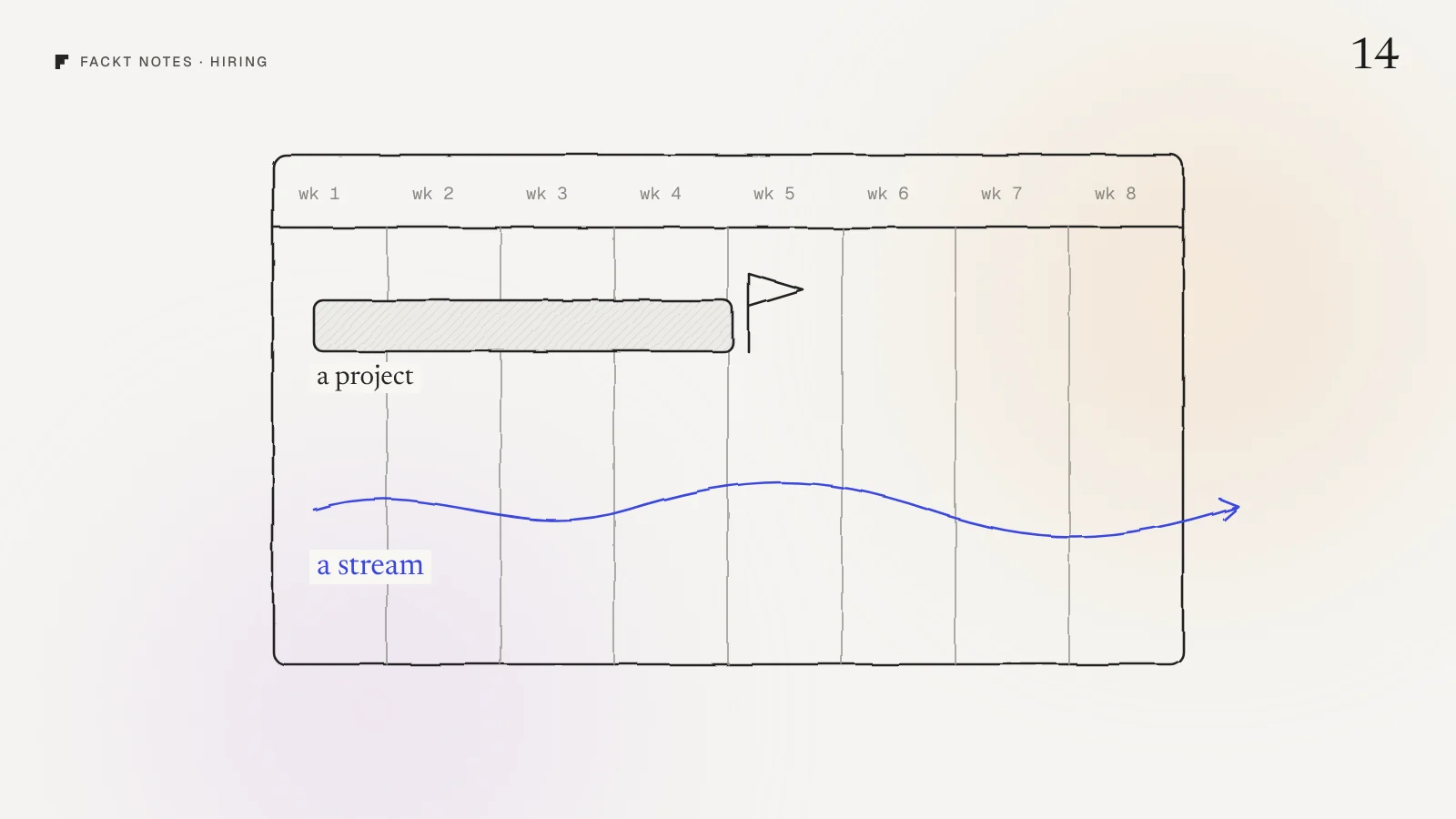
You have one paywall. Conversion is low, you have three ideas to fix it, and each idea means a new build, an App Store review and two weeks of waiting before you learn anything. So you try one idea a month, and by spring you have learned three things.
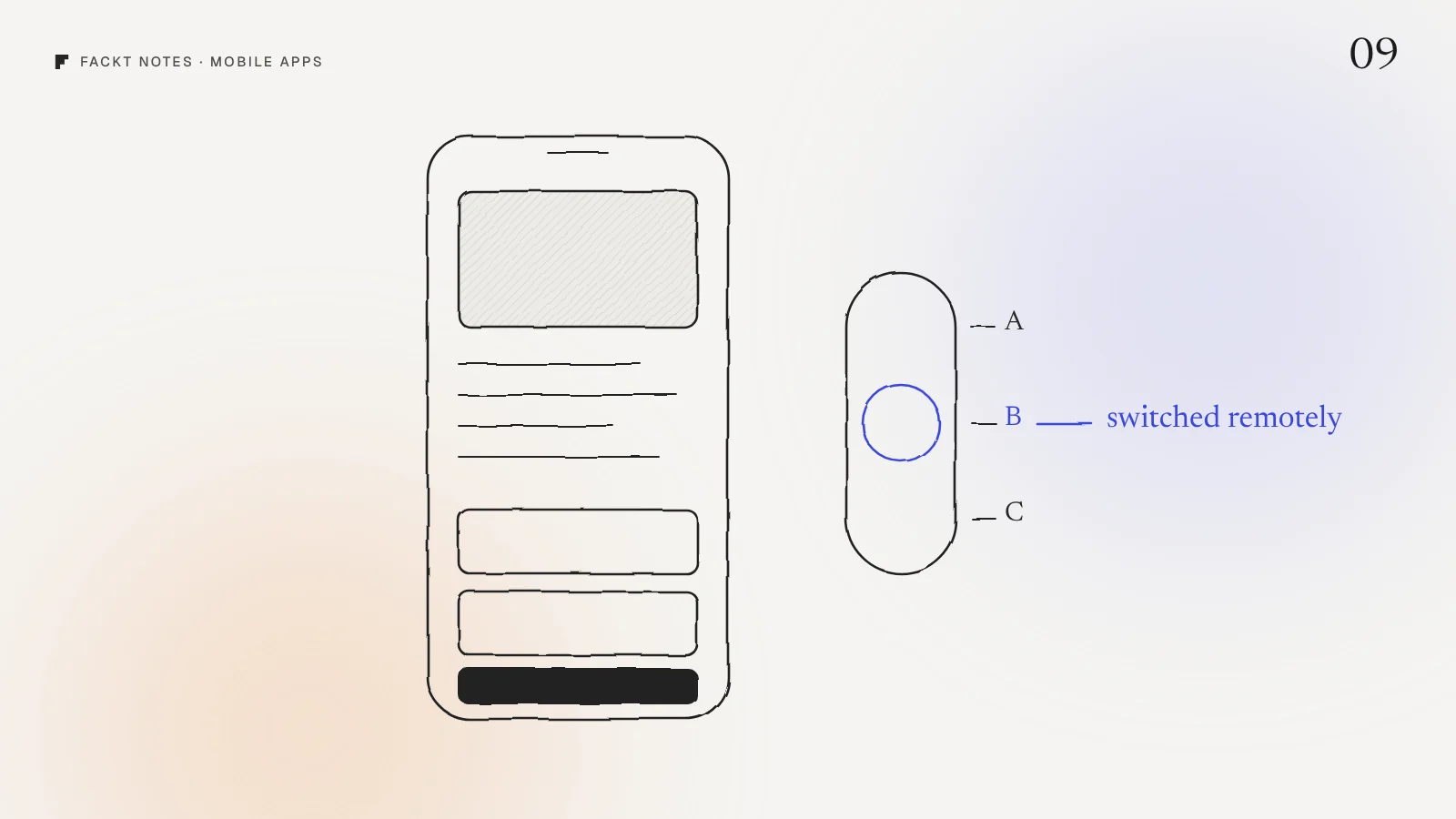
The fastest paywall test is the one that does not need a release. Ship every layout you want to test in the app once, and let a remote switch decide who sees which. Then a new test is a dashboard change you make on a Tuesday afternoon, not a sprint.
This is how we set it up in Dozy, our own sleep tracker, and Ritual, our own habit tracker. Both sell subscriptions through RevenueCat.
Test stories, not buttons
Before any setup, decide what you are testing. Most paywall tests change a color, a word on the button or the order of two features. In a small app, those changes are too small to measure.
What moves people is the story the paywall tells. Dozy ships three layouts, and each sells Pro in a different way:
- A, the night. A feature list on a night sky: hear your snoring, see month and year trends, every sleep sound.
- B, the morning. A trial timeline: today you get everything, on day 5 we remind you, on day 7 the plan starts. It sells trust, not features.
- C, free vs Pro. A table that shows exactly what stays free forever and what Pro adds.
Ritual does the same with four designs: main, garden, plan and price. The plan paywall turns the answers from onboarding into a personal plan, so it sells the person their own goal.
Three stories give you a real question to answer: do people pay for features, for safety, or for clarity?
One line of JSON decides
In RevenueCat, every offering can carry metadata, a small piece of JSON you edit in the dashboard. Dozy reads one key from it:
{ "paywall": "B", "hard_paywall": false }The app has all three layouts built in. When it opens the paywall, it reads paywall from the current offering and shows A, B or C. If the key is missing or unknown, it falls back to the night layout, so a typo never shows an empty screen.
hard_paywall is the second switch. With it off, people can close the paywall and use the free tier. With it on, the app is locked behind Pro. Flipping it is a business decision you can test without touching code.
Ritual’s metadata carries a bit more, because its free tier is a rule, not a fixed set of features:
{ "paywall": "garden", "free_rituals": 2, "hard": false }Now the size of the free tier is a test too: 2 free rituals against 3.
To run an A/B test, you create two offerings with different metadata and split users between them with RevenueCat’s experiments. To change what everyone sees, you edit one value. Neither needs an App Store update.
Tag every sale with the paywall that made it
A test is useless if you cannot tell which paywall made the sale. So the layout travels everywhere:
- To RevenueCat, as a subscriber attribute (
paywall_mode, hard or soft), so experiment results can be split by gate. - To analytics, as a property on every event (
paywall_variantandis_proin Dozy’s PostHog setup), so you see not just purchases but views, closes and failed purchases per layout. - With the source. Every paywall view in Dozy carries where it opened: onboarding, the first morning, a locked feature, settings, the sloth’s closet or the hard gate. A layout can win in onboarding and lose in settings. Without the source you would never know.
The moment matters more than the layout
Here is the part most teams skip. The same paywall converts very differently depending on when it appears.
In Dozy, the strongest moment is the first morning. You just slept, Dozy has your score, and it heard you snore at 2:14 AM. So the first morning paywall is personal: it shows how long you slept and what it recorded, with the clip locked. It sells the night you just had, not a list of features.
Then there are the moments after a no:
- A second chance. If someone closes the paywall, Dozy waits. On the third scored morning after that, it offers 40% off, once.
- A trial reminder. On day 5 of the 7 day trial, a notification says exactly when and how much they will be charged. People cancel less when nothing surprises them.
Ritual follows the same idea with fewer interruptions: the paywall shows once after onboarding and can be closed, then only at the third ritual, on the mood patterns card, or when someone taps See plans.
Build a demo mode before you need it
One practical tip. Dozy runs in a demo mode when RevenueCat is not configured: hardcoded plans, purchases that succeed after a second, a Pro flag kept on the device. That lets anyone test every paywall, every locked feature and the hard gate without a sandbox account. It saves hours every time someone asks “what does layout C look like with the hard paywall on?”
Try this today
Open your app and write down every place the paywall can appear, and what it says in each one. Then ask two questions:
- Does the paywall tell the same story everywhere, or does each moment get the story that fits it?
- Could you show a different layout tomorrow without a release?
If the answer to the second one is no, that is your first project. Everything else gets faster after it.
Why this is hard to see from the inside
When you designed your paywall, you knew exactly why Pro was worth it. Your users do not, and the paywall is usually the screen that got the least design time. Seeing it next to your onboarding and your first session, with fresh eyes, is often enough to spot which story is missing.
We review paywalls as part of the free audit: a video walkthrough and a written list of fixes, within 2 days. The full Dozy build, paywalls included, is in the Dozy case study.
Quick answers
Can you A/B test a paywall without releasing a new app version?
Yes. Ship every paywall layout you want to test inside the app, then let a remote value decide which one to show. With RevenueCat, that value lives in the offering metadata, so switching or splitting is a dashboard change, not an App Store review.
What should a paywall A/B test change first?
The story, not the button color. Test layouts that sell Pro in different ways, like a feature list against a trial timeline against a free versus Pro table. Small visual tweaks rarely move conversion enough to measure in a small app.
How do you know which paywall made the sale?
Tag it. Send the layout as a subscriber attribute to RevenueCat and as a property on every analytics event, so each purchase, trial and close is tied to the exact paywall and the moment it was shown.
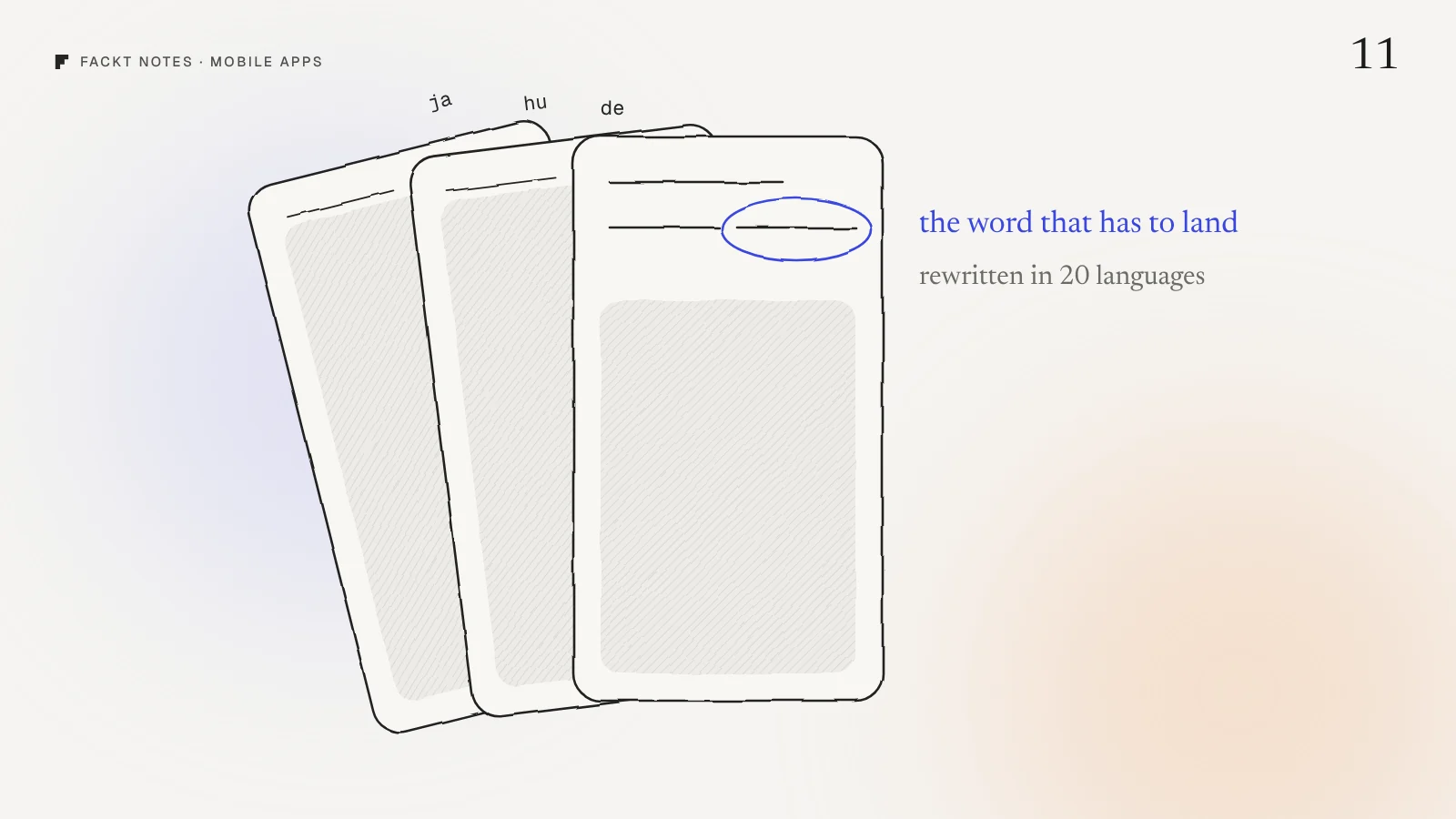
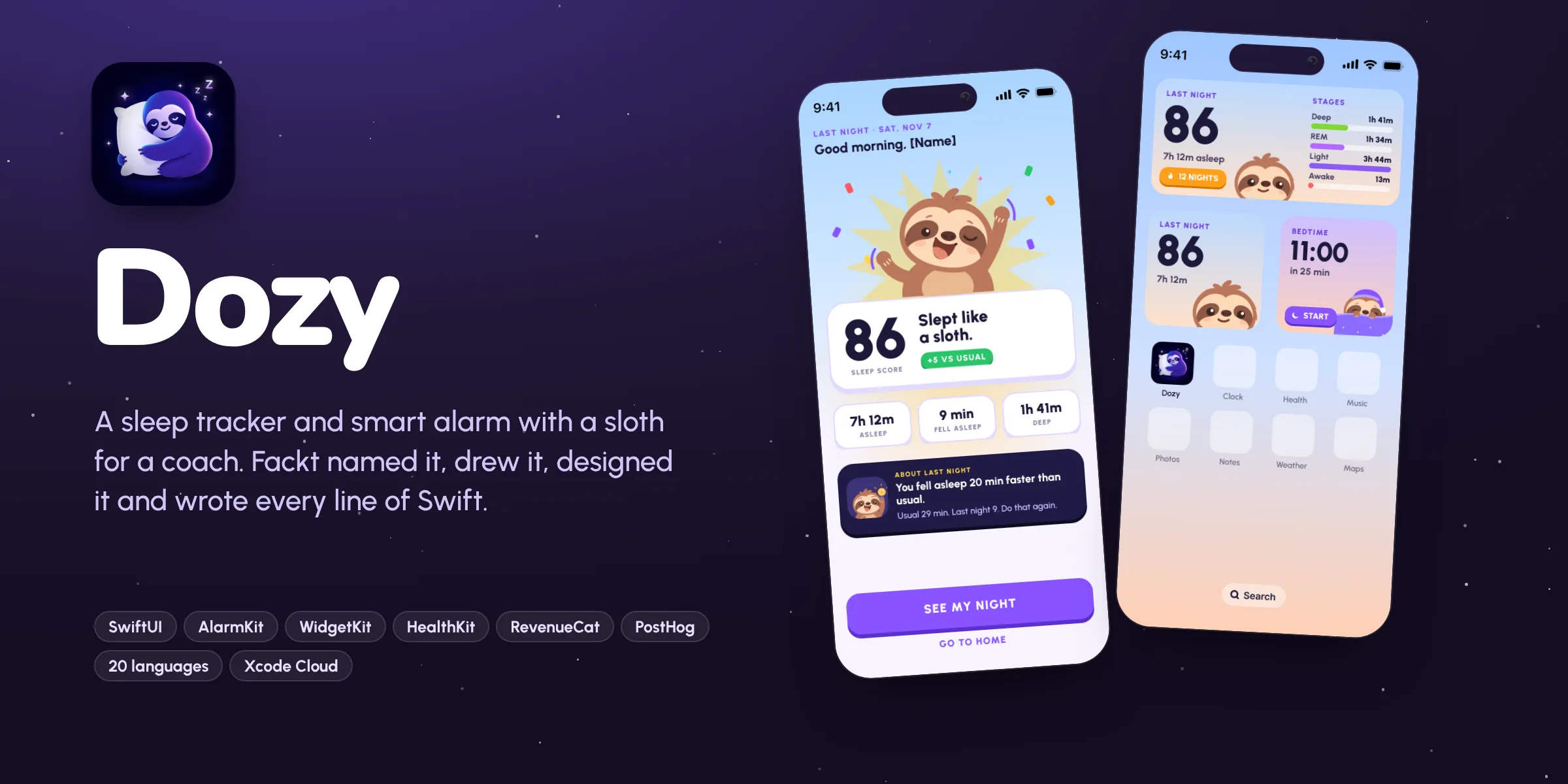 Case studyDozy: Brand, product design and iOS appOur own sleep tracker and smart alarm for iPhone. We named it, drew the sloth, designed every screen, wrote 28k lines of SwiftUI and shipped it in 20 languages.